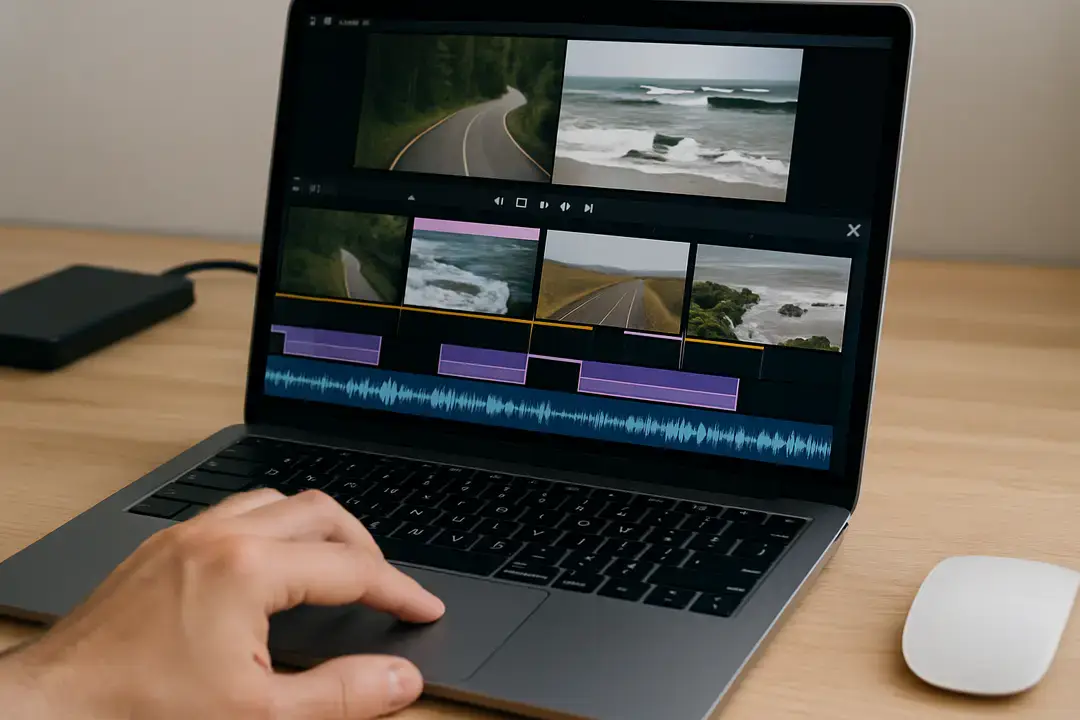
Split Videos into Segments and Remove Unwanted Footage Quickly
In today’s digital era, creating engaging video content is vital for anyone involved in video creation. However, editing and organizing footage can often be a daunting task, especially for those who are not tech-savvy.
Fortunately, there are easy-to-use tools that can transform hours of editing into mere minutes. Whether you’re a seasoned creator or a beginner, splitting videos into segments and removing unwanted footage quickly is not just a dream-it’s a reality. Keep on reading to learn more.
Why You Need to Split Videos
Splitting videos into parts is essential for several reasons. Firstly, it allows you to focus on the most valuable content by discarding unnecessary segments, keeping your final video clean and engaging. Secondly, it helps streamline the editing process, making it easier to assemble your project in a logical order without getting lost in long, unedited footage.
In addition, splitting videos makes it simpler to repurpose content for different platforms. For example, a long video can be cut into shorter clips for social media, helping you reach wider audiences. It also improves viewer experience, as shorter, well-edited segments are easier to watch and keep attention.
Splitting is also useful for collaboration. If you are working with a team, smaller video segments can be shared and edited individually before combining into a polished final product. This saves time and ensures consistency across the project.
Tools for Splitting Videos
To efficiently split videos and eliminate unwanted footage, you need the right tools at your disposal. Luckily, there’s a variety of software, some of which is completely free and user-friendly:
Avidemux
Avidemux is a free video editor that works well for small jobs. You can use it to cut parts of a video, add filters, or change the file type. It is simple and does not need advanced skills to use.
iMovie
iMovie is made by Apple and is easy for beginners. It helps you put clips together, add sound, and use simple effects. Many people like it because the design is clear and simple to follow.
Free Video Editor
Free Video Editor lets you split and join videos quickly. It is good for people who want basic tools without too many extras. The program is light and easy to run on most computers.
Adobe
Adobe has strong tools for video editing. Programs like Adobe Premiere Pro give more control and advanced options. They take longer to learn, but they let you make videos look very professional.
Among these options, a free video splitter is particularly useful for those who want to edit without any financial investment. These tools are accessible and often come packed with features that can elevate your video content.
Steps to Split and Remove Unwanted Footage
Once you have selected a video splitter, there are simple steps to create polished segments. Here are a few examples:
Import Your Video
Begin by opening your chosen video splitter and importing the video file you wish to edit. Most tools support a wide array of formats, making it easy to work with.
Identify Sections to Keep
Watch through your video to determine which sections you want to keep and which parts should be removed. Notate the timestamps for easy reference.
Split the Video
Using the tools provided, select the timestamps you’ve noted to split the video. Ensure you’ve created segments that convey a coherent message to your audience.
Remove Unwanted Clips
After splitting, you’ll have separate segments. Now, simply select and delete the unwanted clips. This is where the magic happens, as your video starts coming together.
Export the Final Video
Once you’re satisfied with your editing, export the final product. Look for settings that enhance your video quality and make sure to save it in a convenient format.
Tips for Effective Video Creation
Creating compelling videos involves more than just splitting and removing footage. Here are additional tips to optimize your editing process:
Plan Your Content
Before making a video, think about what you want to say. A clear plan helps guide the story and keeps the video focused. Without planning, the message can feel messy or hard to follow.
Use Quality Footage
Good footage makes editing much easier. Clear images and steady shots give your video a polished look. If the starting video is poor, no amount of editing can fully fix it.
Limit Length
Short videos are easier for people to watch. If a video is too long, viewers may lose interest and stop watching. Keeping it brief helps hold attention and makes the message stronger.
Common Mistakes to Avoid
Even with the best tools, some common pitfalls can compromise your editing process. Here are a few mistakes to keep in mind:
Over-Editing
Editing helps improve a video, but too much can make it look fake. When clips are heavily changed, the flow can feel broken. Simple, careful edits usually give better results.
Ineffective Transitions
Transitions move viewers from one scene to another. If they are too flashy or don’t match the style, they can pull attention away from the message. Basic, clean transitions work best for most videos.
Neglecting Audio
Good sound is just as important as clear video. If the audio is too low, too loud, or unclear, viewers may stop watching. Always test and adjust sound before finishing the video.
By being aware of these mistakes, you can avoid setbacks and produce better content.
The Benefits of Professional Video Creation
Investing time and effort into video creation pays off in numerous ways. Professionally edited videos can:
- Enhance brand image and credibility
- Increase reach and engagement across platforms
- Improve viewer retention rates
With the rise of digital marketing, having well-crafted video content is crucial. It often represents a brand’s identity and can significantly influence viewer perception.
Mastering Video Creation
Mastering the art of video creation can seem daunting, but splitting videos into segments and removing unwanted footage quickly is achievable with the right tools and strategies. By embracing effective editing techniques and avoiding common pitfalls, you can produce engaging, professional-looking videos in no time. Start experimenting with a free video splitter today and watch your creativity flourish!
For more related topics, check out the rest of our blog!
Further Reading