Sora 2 vs Veo 3: Which AI Video Tool Fits Your Workflow?
Choosing between OpenAI Sora 2 and Google Veo 3 starts with the finished video you need. Sora 2 is better suited to narrative continuity and longer scenes, while Veo 3 focuses on cinematic presentation and synchronized sound. Clip duration, resolution, editing access, subscription cost and likeness rules all matter in a commercial workflow.
Sora 2 vs Veo 3 Feature Comparison
|
Option |
Clip length |
Max resolution |
Native audio |
Best fit |
Access and price |
|---|---|---|---|---|---|
|
OpenAI Sora 2 |
10–15 seconds |
1080p |
Yes |
Storytelling |
Web and API; paid access |
|
Google Veo 3 |
8 seconds |
4K |
Yes |
Cinematic shorts |
Google AI plans and API |
|
OpenAI Sora 2 Pro |
20–25 seconds |
1080p |
Yes |
Longer scenes |
Pro access; $200 monthly tier |
|
Google Veo 3.1 |
10 seconds |
4K |
Yes |
High-resolution production |
Premium Google access |
|
Google Gemini |
Short-form clips |
4K |
Yes |
Conversational creation |
$19.99 Pro plan |
|
Google Flow |
Short-form clips |
4K |
Yes |
AI filmmaking |
$249.99 Ultra plan |
|
Google AI Studio |
Model-dependent |
Model-dependent |
Model-dependent |
Developer workflows |
API-based access |
|
ChatGPT |
Model-dependent |
Model-dependent |
Model-dependent |
Prompt development |
$20 or $200 monthly tiers |
OpenAI Sora 2
Sora 2 suits creators who need a scene to follow a narrative prompt across several shots. It supports text-to-video, image-to-video and Cameos. Typical clips run for 10 to 15 seconds, with output reaching 1080p. Its strongest results come from character continuity, multi-shot storytelling and prompts that describe actions in a clear sequence.
-
Supports consent-based Cameos using a verified person’s likeness and voice.
-
Handles narrative prompts and recurring characters well.
-
Includes synchronized audio in current implementations.
-
Uses C2PA metadata and visible watermarking in some access modes.
The 1080p ceiling makes Sora 2 less suitable for projects that require native 4K masters. It also restricts unauthorized public-figure likenesses, explicit content, harmful content and protected third-party similarities.
Google Veo 3
Veo 3 is a strong choice for short cinematic clips where sound is part of the creative brief. It generates synchronized dialogue, sound effects, ambient noise and music, while its visual strengths include lighting, camera movement and realistic physical motion. Standard clips run for up to eight seconds, so longer sequences require multiple generations and editorial assembly.
-
Accepts text-to-video and image-to-video inputs.
-
Outputs selected projects at up to 4K resolution.
-
Uses a native 24 FPS frame rate.
-
Offers a Fast mode that is approximately 25% to 30% faster than standard rendering.
Some consumer outputs carry a visible Veo watermark, and generated media includes invisible SynthID metadata. Veo 3 restricts unauthorized real-person likenesses, deceptive deepfakes, hate speech and explicit or graphic content.
OpenAI Sora 2 Pro
Sora 2 Pro extends the Sora workflow for projects that need longer generations and higher usage capacity. Depending on the tier and platform, clips can reach approximately 20 to 25 seconds. That reduces the number of cuts needed for a narrated scene, product demonstration or short dramatic sequence. The maximum resolution remains 1080p.
The Pro tier is aimed at heavier users and is associated with a $200-per-month plan. It becomes more useful when longer generations reduce the number of clips that need to be stitched during editing. Sora 2 Pro retains Sora’s strengths in continuity, Cameos and narrative prompting, along with the platform’s likeness and content restrictions.
Google Veo 3.1
Veo 3.1 is a higher-resolution development of Google’s short-form video workflow. It supports clips up to 10 seconds, selected output at 4K and synchronized audio. The extra duration helps with dialogue and action beats, although it remains shorter than Sora 2 Pro for scenes that need a sustained performance.
Veo 3.1 is available through premium or tiered Google access, including Google Labs and related video-generation environments. It suits commercial teams that prioritize polished lighting, camera direction, sound design and delivery resolution. Consumer-generated clips can carry visible watermarks and embedded provenance metadata, which can affect client-facing campaign delivery.
Google Gemini
Google Gemini is a broader conversational application that can provide access to Google’s video-generation capabilities in eligible plans and regions. It is useful when one workspace needs to handle prompt drafting, image preparation, script revision and video creation. Its video limits depend on the active model and plan, so Gemini is less predictable as a fixed production specification than Veo itself.
Google AI Pro costs approximately $19.99 per month, making it less expensive than the Ultra tier. Gemini is a sensible starting point for marketers and individual creators who want an integrated interface. Dedicated production teams should compare its generation limits, export controls and current model access with a direct Veo workflow.
Google Flow
Google Flow is a filmmaking-oriented environment for organizing AI-generated scenes and developing visual sequences around Google’s video models. It suits projects that involve repeated shots, visual references, camera ideas and a broader editing process better than a basic chat interface. Its value comes from workflow organization as much as from the underlying model.
Google AI Ultra costs approximately $249.99 per month and is the relevant high-end access tier in this comparison. Flow suits users who generate frequently enough to use a broader production environment. Short clip limits, model availability, watermark treatment and usage allowances still determine how much conventional editing the project will need.
Google AI Studio
Google AI Studio is a developer-facing route for experimenting with generative models and connecting video generation to an application or automated workflow. It suits engineers who need prompt testing, API integration, repeatable requests or programmatic handling of generated assets. It is not the simplest choice for a filmmaker who only wants to create and edit clips manually.
One Vertex AI configuration charges approximately $0.75 per second for Veo 3, while Veo 3 Fast costs approximately $0.25 per second in commercial API use. API costs increase with generated duration and failed iterations, so a production budget should include test generations, storage, editing and any required post-production audio.
ChatGPT
ChatGPT is useful for prompt development and production planning, particularly when a team needs to turn a script into shot descriptions, maintain character details or revise prompts after an unsatisfactory generation. Its video capabilities depend on the active OpenAI product and account tier, so ChatGPT should not be treated as a separate fixed video model with its own universal clip length or resolution.
OpenAI’s commonly associated paid tiers are approximately $20 per month for Plus and $200 per month for Pro, with Sora access and usage limits varying by plan and availability. ChatGPT works well beside Sora when a team needs help with story structure, dialogue, shot lists and prompt consistency. The actual render specifications come from the Sora access path in use.
OpenAI Sora 2 Review
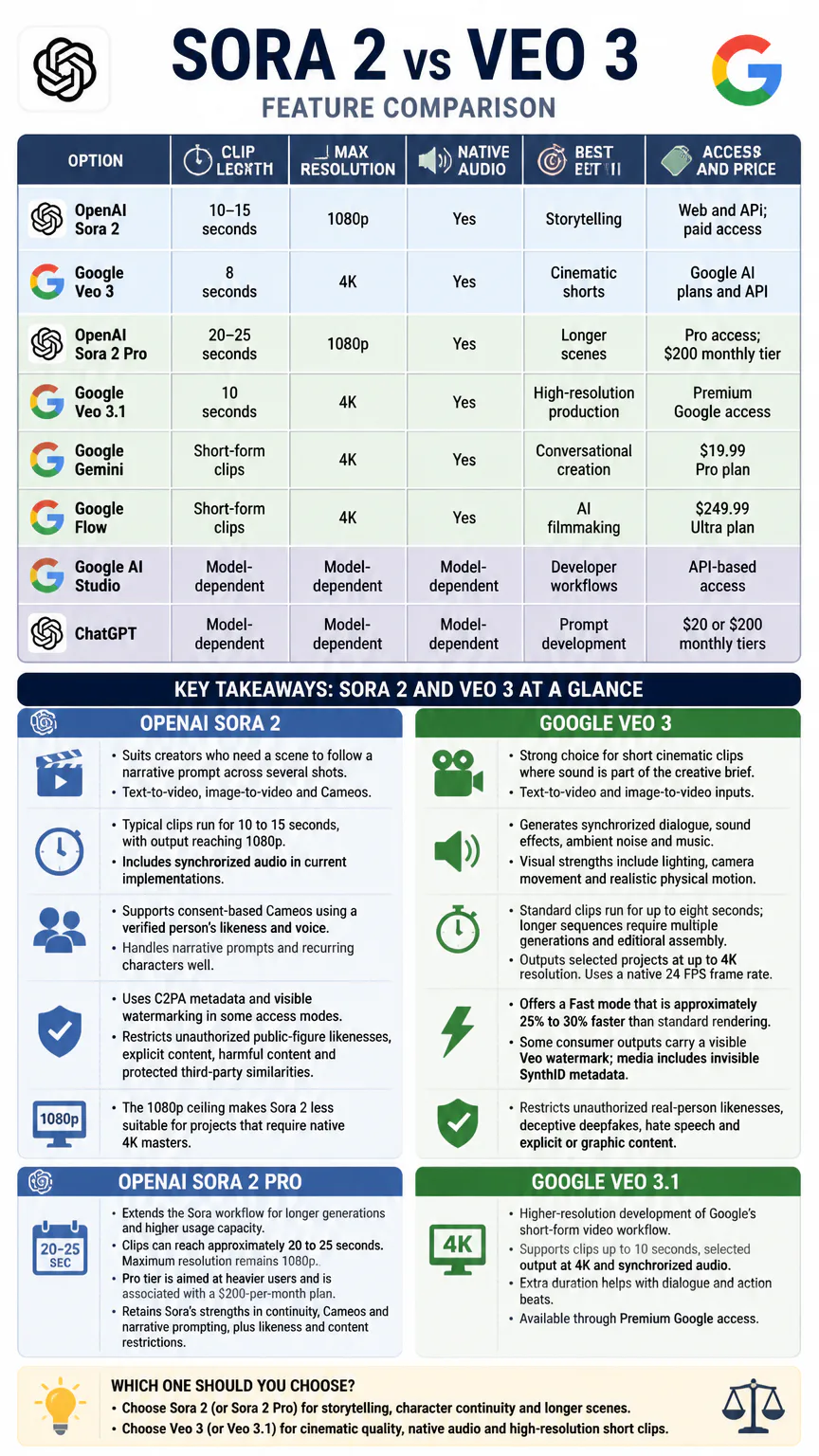
Sora 2 performs best when a prompt describes a sequence rather than a single visual impression. A brief that establishes the subject, setting, camera movement, action order and continuity cues gives the model more structure to preserve across a scene. That makes it useful for branded storytelling, social campaigns with recurring characters and concept work that needs several connected shots.
Cameos add a distinctive workflow for consent-based appearances by verified people. The feature uses a person’s likeness and voice, so production teams need clear permission before adding a real individual to a commercial video. Visible watermarking in some access modes and C2PA provenance metadata also matter when assets move through client approval or publishing.
Editing flexibility is another advantage. Ten-to-15-second generations provide more material per shot than Veo 3’s standard eight-second output, and Sora 2 Pro can extend that range to approximately 20 to 25 seconds. Sora still tops out at 1080p, and continuity can break when prompts introduce too many characters, rapid camera changes or complicated physical interactions.
Audio and lip-sync results
Veo 3 is stronger for synchronized dialogue, mouth movement, ambient sound, music and sound effects generated as part of the clip. Its audio is closely tied to the action, making it a better choice when a short scene needs spoken lines and a complete sound bed without extensive replacement work.
Sora 2 supports synchronized audio and is useful when dialogue is part of a longer narrative sequence. Veo 3 has the clearer advantage for precise lip-sync and layered environmental sound, while Sora 2 is better suited to connecting audio-bearing moments across a broader story. For either model, final commercial delivery should include checks for pronunciation, timing, music rights and unwanted background sounds.
Visual quality and physics tests
-
Photorealism: Veo 3 generally favors polished cinematic realism and high-resolution output; Sora 2 favors a coherent visual story at up to 1080p.
-
Collisions and motion: Veo 3 is strong for short, clearly staged physical interactions. Sora 2 is more useful when those interactions must support a longer sequence.
-
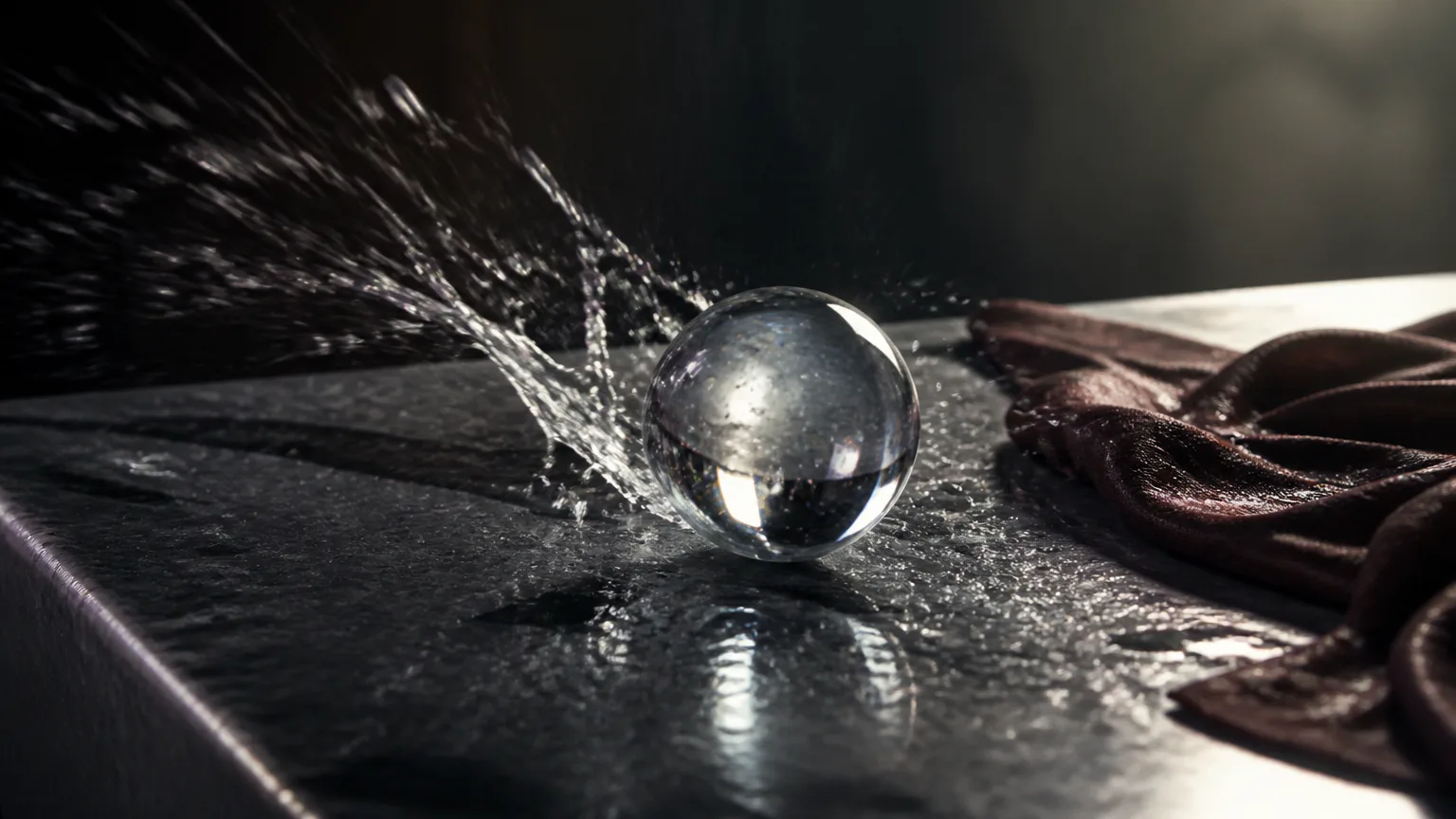
Cloth and water: Both can produce convincing movement, but complex folds, splashes and contact points remain demanding and require prompt testing.
-
Hands: Hands and crowded interactions can still produce visible errors in either model, especially when several actions happen at once.
-
Lighting: Veo 3 has the stronger edge for controlled cinematic lighting and camera movement.
-
Camera movement: Veo 3 handles explicit cinematic camera direction well, while Sora 2 is stronger when camera changes serve a multi-shot narrative.
Resolution is only part of what makes a video look good. Viewers also notice whether characters, color palettes, environments and framing stay consistent from shot to shot. A carefully chosen image or visual guide can reduce stylistic drift and give both models a clearer target, especially across multiple scenes. That is also why style reference techniques can improve AI video output quality.
Prompt adherence and continuity
Sora 2 is the stronger option for complex narrative instructions, recurring characters and connected shot transitions. It can preserve a subject and action sequence across a longer creative brief, although too many characters or rapid changes can still cause continuity breaks.
Veo 3 follows visual and camera instructions effectively within its shorter clip window. It suits tightly specified shots, but a multi-shot commercial usually requires separate generations and editorial assembly. Text inside scenes can be unreliable in both systems, so logos, captions, product claims and legal copy should be added or corrected during post-production.
Use Sora 2 when character identity and story progression are the main risks. Use Veo 3 when each shot can stand alone and the production depends more on cinematic direction, synchronized audio and a clean visual finish.
Sora 2, Veo 3, and Kling
|
Tool |
Best fit |
Key limits |
Access model |
|---|---|---|---|
|
Sora 2 |
Narrative continuity and recurring characters |
Up to 1080p; audio and duration vary by access tier |
OpenAI web and API access |
|
Veo 3 |
Cinematic visuals and synchronized sound |
Standard clips up to 8 seconds |
Google applications and API |
|
Kling |
Value-oriented short-form generation |
10-second clips, 1080p output and limited audio |
Web access and pay-per-use options |
Kling is worth considering when you want web-based access and pay-per-use control instead of a larger subscription commitment. Sora 2 remains the better fit for narrative continuity, while Veo 3 is stronger for native sound and cinematic presentation.
Choosing between Sora 2 and Veo 3
Start with the delivery requirement. A short advertisement with spoken lines, room tone and designed sound effects favors Veo 3 or Veo 3.1. A narrative sequence with recurring characters, several connected actions or longer uninterrupted shots favors Sora 2, especially Sora 2 Pro.
-
Choose Sora 2 for narrative prompting, Cameos, multi-shot continuity and longer standard clips.
-
Choose Sora 2 Pro when longer generations and heavier usage justify the higher subscription cost.
-
Choose Veo 3 for cinematic lighting, camera motion, synchronized audio and short-form production.
-
Choose Veo 3.1 when 4K output and synchronized sound matter more than maximum scene duration.
-
Choose Google Flow when the project needs a dedicated AI filmmaking workspace.
-
Choose Google AI Studio when developers need API control or an automated pipeline.
For API production, budget by generated seconds rather than finished seconds. A 10-second final clip can require several attempts, and each discarded generation still consumes model usage or API spend.
Access, pricing, and production limits
Sora is available through OpenAI paid plans and invitation-based access. Google video tools are available through consumer plans and developer routes.
-
OpenAI Plus: approximately $20 per month.
-
OpenAI Pro: approximately $200 per month.
-
Google AI Pro: approximately $19.99 per month.
-
Google AI Ultra: approximately $249.99 per month.
-
Video APIs: usage may be charged per generated second.
-
Check the active plan’s generation allowance before committing to a deadline.
-
Separate model cost from editing, storage, voice replacement and music licensing.
-
Account for retries when prompts involve hands, crowds, dialogue or complex physics.
-
Consumer exports can include visible watermarks, while provenance metadata may remain embedded in generated files.
Access, limits and model availability vary by account, product surface and region. Commercial plans provide the relevant business-use and asset-handling controls; consumer access may have different limits and watermark treatment.
Sora 2 does not have one universal generation allowance or API rate across every plan and access path. The number of generations, queue priority and any API charges depend on the active OpenAI product, account tier and region, so production budgets should include allowance for plan-specific limits and changing usage terms.
Estimate the cost of a finished clip
-
Start with generated seconds: Veo 3 Fast costs approximately $0.25 per second, while one Vertex AI Veo 3 configuration costs approximately $0.75 per second. An eight-second Flow generation costs about $0.20, showing how the access route can change the effective price.
-
Add retries: Budget for failed generations caused by continuity errors, hands, dialogue or physics. The final clip may require several attempts, so the model price of one successful take is not the full generation cost.
-
Add finishing work: Include stitching, editing, audio replacement, storage and music licensing. A one-minute sequence priced at $0.50 per generated second would cost $30 before post-production expenses.
-
Compare the workflow: Choose Sora 2 when longer narrative generations reduce the number of shots to assemble, and choose Veo 3 when native audio reduces replacement work. Use web or subscription access for frequent exploratory work and API access when automation and repeatability justify per-second pricing.
The cost of a finished clip depends on more than the number of generations. Minor glitches, damaged frames, audio mismatches and export problems may be fixable in post-production, while a broken subject or inconsistent scene usually requires another attempt. Understanding effective video repair methods helps you separate affordable repairs from extra Sora 2 or Veo 3 generations that need to be included in the budget.
Safety, likeness, and commercial use
Both ecosystems restrict deceptive or unauthorized use of real people. Sora limits unauthorized public-figure likenesses and protected third-party similarities, while Veo restricts unauthorized real-person likenesses and deceptive deepfakes. A Cameo requires consent from the verified person whose likeness and voice are used.
Content rules also restrict explicit, graphic, harmful or hateful material. For commercial work, retain permission records for identifiable people, use original or properly licensed reference assets, and avoid prompts that ask either system to imitate a protected living creator or reproduce a recognizable character without authorization.
Copyright protection and ownership can vary for AI-generated material, and generated content may not receive the same protection as fully human-authored work. Review the applicable platform terms and privacy policy before uploading client footage, biometric material, confidential documents or other reference assets, including how those uploads are stored and handled.
Using a real person’s face in a generated clip is more complicated than creating a fully synthetic character. Face replacement can look convincing, but it raises additional questions about consent, disclosure, impersonation and commercial rights. These issues matter particularly when comparing AI-generated workflows with established face swap video tools.
Best tool for each use case
-
Social content, Sora 2: Longer clips and recurring characters support connected short-form posts.
-
Ads, Veo 3: Synchronized dialogue, sound effects, ambient audio and cinematic presentation suit short commercial spots.
-
Music videos, Veo 3: Native music, lighting and camera movement help build visually directed performance clips.
-
Education, Sora 2: Narrative prompting and longer scenes fit demonstrations that need connected actions.
-
Short films, Sora 2 Pro: Longer generations and continuity reduce the number of cuts needed for sustained scenes.
-
Previsualization, Google Flow: A filmmaking workspace supports visual references, repeated shots, camera ideas and scene organization.
Where to access Sora 2 and Veo 3
Sora 2 is available through ChatGPT and other OpenAI paid plans, or through an OpenAI API route when the workflow requires programmatic generation. Veo 3 is available through Google Gemini, Google Flow, Google AI Studio and Google API routes, depending on the account and product surface.
Availability, generation limits, resolution, watermark treatment and commercial-use terms vary by plan, region and access route. Choose the channel that matches the workflow: ChatGPT or Gemini for conversational creation, Flow for AI filmmaking, and AI Studio or an API for developer control.
FAQs
Is anything better than Sora 2?
Veo 3 is better for synchronized dialogue, sound effects, ambient audio, cinematic lighting and selected 4K output. Sora 2 is better for longer clips, character continuity, narrative prompting and Cameos, so neither tool is best for every workflow.
Is Sora the best AI video generator?
Sora is one of the strongest choices for narrative video and connected scenes. Veo 3 or Veo 3.1 is stronger when native audio, cinematic camera work or 4K delivery is the priority.
Which tool is cheaper, Sora 2 or Veo 3?
The entry plans are close in price, while developer pricing uses different billing models.
-
OpenAI Plus: approximately $20 per month.
-
Google AI Pro: approximately $19.99 per month.
-
Veo 3 API: approximately $0.75 per generated second.
-
Veo 3 Fast: approximately $0.25 per generated second.
-
Sora API: pricing depends on the active OpenAI offering.
Can Sora 2 and Veo 3 create audio?
Current Sora 2 implementations support synchronized audio. Veo 3 generates synchronized dialogue, sound effects, ambient noise and music as part of the video workflow.
Which one is better for realistic physics?
Both models can represent physical motion, but results depend heavily on the prompt and scene complexity. Veo 3 is particularly strong for cinematic motion and camera direction, while Sora 2 is often more useful when physical action must remain part of a longer narrative sequence.
Conclusion
Choose Sora 2 for story continuity and longer clips. Choose Veo 3 for cinematic short-form video with native sound and higher-resolution output. For a serious workflow, test both tools with the same script, reference image and audio brief before selecting a paid tier.