
How Claude Effort Levels Work: From Quick Replies to Deep Reasoning
Claude effort levels control how much reasoning and response work the model can spend on a request, trading speed and token use against thoroughness. A quick lookup rarely needs the same depth as a difficult debugging session. Effort also works alongside adaptive thinking, which scales reasoning to the complexity of the prompt.
Claude Effort Levels and Their Uses
Effort level | Behavior | Typical use |
|---|---|---|
Low | Less reasoning; faster, lower token use | Quick lookups, formatting, high-volume chat |
Medium | Balanced reasoning and token use | Standard assistance, drafting, structured analysis |
High | More reasoning for complex tasks | Complex reasoning, architecture, software development |
Xhigh | Extended reasoning and tool-call horizon | Advanced logic, heavy debugging, agentic workflows |
Max | Fewest effort constraints; most deliberation | Critical refactoring, deep proofs, complex orchestration |
Effort levels are points on a resource-use scale, not promises of a particular answer quality or response time. Routine requests often need only low or medium effort. Tasks that require careful planning, verification or multiple tool calls may benefit from a higher setting.
What effort changes
Effort controls how much resource Claude can devote to a response. It can affect reasoning depth, internal thinking and tool use. The setting applies to generated output tokens, including visible text, tool calls, function arguments and thinking tokens when thinking is active.
Changing effort does not change the model’s underlying knowledge or capabilities. It gives the same model more or less room to work through a task. Adaptive thinking also responds to prompt complexity, so both the effort setting and the task itself shape how much reasoning Claude uses.
More effort can help with problems that involve several connected decisions, but it does not guarantee a correct answer. At any setting, the model can misunderstand an instruction, miss a relevant fact or produce faulty code.
How effort affects cost and speed
Higher effort can increase token use and latency as Claude spends more time reasoning, checking its work or making tool calls. Lower effort can reduce those costs and speed up responses, but leaves less room for complex analysis.
Low effort: Suits routine requests when response volume matters. On an agentic task, too little effort can lead to skipped checks or an early stop.
Medium effort: A starting point for ordinary assistant work and tasks that need some analysis.
High or above: Use when deeper reasoning, extra checks or longer tool use could improve the result enough to justify the added time and token use.
The max_tokens limit caps the total output, including thinking tokens and response text. Raising effort does not remove that cap, so a tight token limit can restrict how much work fits in a response.
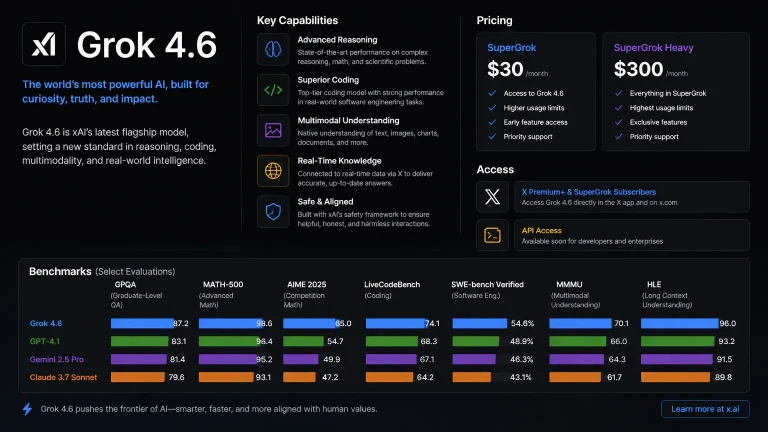
Effort affects cost and speed, but model pricing and availability matter too. When choosing an assistant for routine or demanding work, compare Claude’s effort settings with Grok pricing and access.

How to set effort in Claude
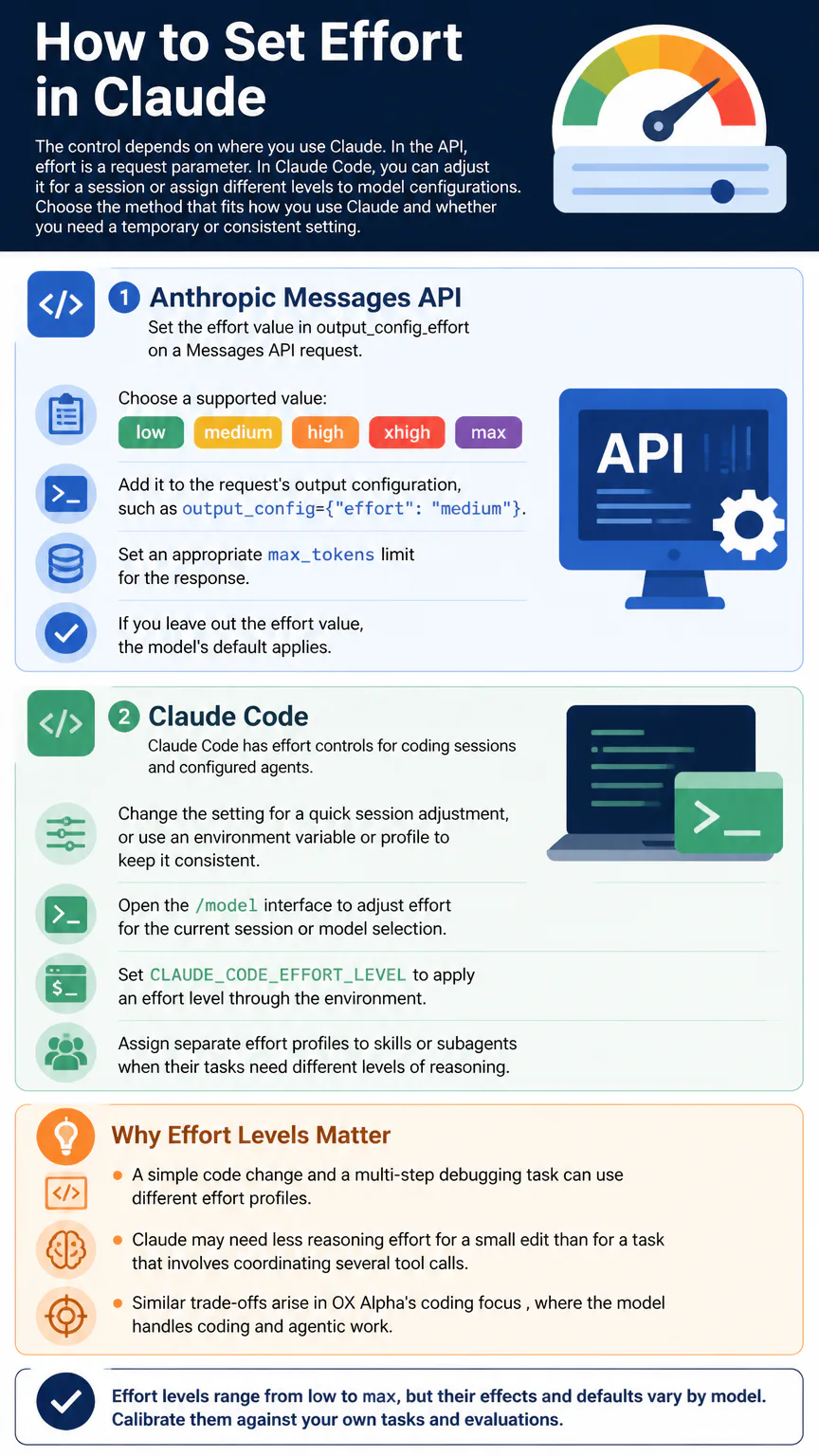
The control depends on where you use Claude. In the API, effort is a request parameter. In Claude Code, you can adjust it for a session or assign different levels to model configurations. Choose the method that fits how you use Claude and whether you need a temporary or consistent setting.
Anthropic Messages API
Set the effort value in output_config.effort on a Messages API request.
Choose a supported value: low, medium, high, xhigh or max.
Add it to the request’s output configuration, such as output_config={“effort”: “medium”}.
Set an appropriate max_tokens limit for the response.
If you leave out the effort value, the model’s default applies.
Claude Code
Claude Code has effort controls for coding sessions and configured agents. Change the setting for a quick session adjustment, or use an environment variable or profile to keep it consistent.
Open the /model interface to adjust effort for the current session or model selection.
Set CLAUDE_CODE_EFFORT_LEVEL to apply an effort level through the environment.
Assign separate effort profiles to skills or subagents when their tasks need different levels of reasoning.
A simple code change and a multi-step debugging task can use different effort profiles.

Claude may need less reasoning effort for a small edit than for a task that involves coordinating several tool calls. Similar trade-offs arise in OX Alpha’s coding focus, where the model handles coding and agentic work.
How to choose and calibrate effort
Start with the model’s default and adjust one level at a time. That makes it easier to see whether a change improves the result or only adds latency and token use. Keep the setting low when extra deliberation does not improve outcomes in your evaluations.
Use lower effort for predictable, high-volume requests where speed and concise output matter.
Use medium for standard assistant work, intermediate drafting and structured analysis.
Increase effort for complex reasoning, architectural planning, extensive debugging or coordinated tool use.
Test settings on representative tasks. Judge them by criteria that matter to your work, including correctness, completeness, successful tool use, latency and token consumption. Repeat the evaluations after changing models: the same effort value does not guarantee the same amount of thinking or quality across models.
Use deeper reasoning when mistakes would be costly, and keep simple requests quick. The balance affects day-to-day convenience and how much you need to check Claude’s answers, both important considerations in AI’s impact on the average user.
Model defaults and differences
Effort behavior and defaults vary by model. Claude Opus 5.5 and Claude Haiku 5.5 default to medium and support all five effort levels. Claude Sonnet 5.5 has a high API default, and its effort levels are recalibrated relative to earlier Sonnet models.
The model and effort level are separate choices. Medium on one model does not promise the same reasoning depth as medium on another. When you switch models, treat its default as a new starting point and measure performance on the tasks that matter to you.
FAQs
Does max effort guarantee a correct answer?
No. Max lets the model spend more resources, but it cannot eliminate mistakes or guarantee that the model has the right information. Check important outputs, especially code changes, calculations and decisions with significant consequences.
Conclusion
Match effort to the task’s complexity and consequences, then test the setting against real work. Start with the model default and increase effort only when the added reasoning improves results enough to justify the extra token use and latency.