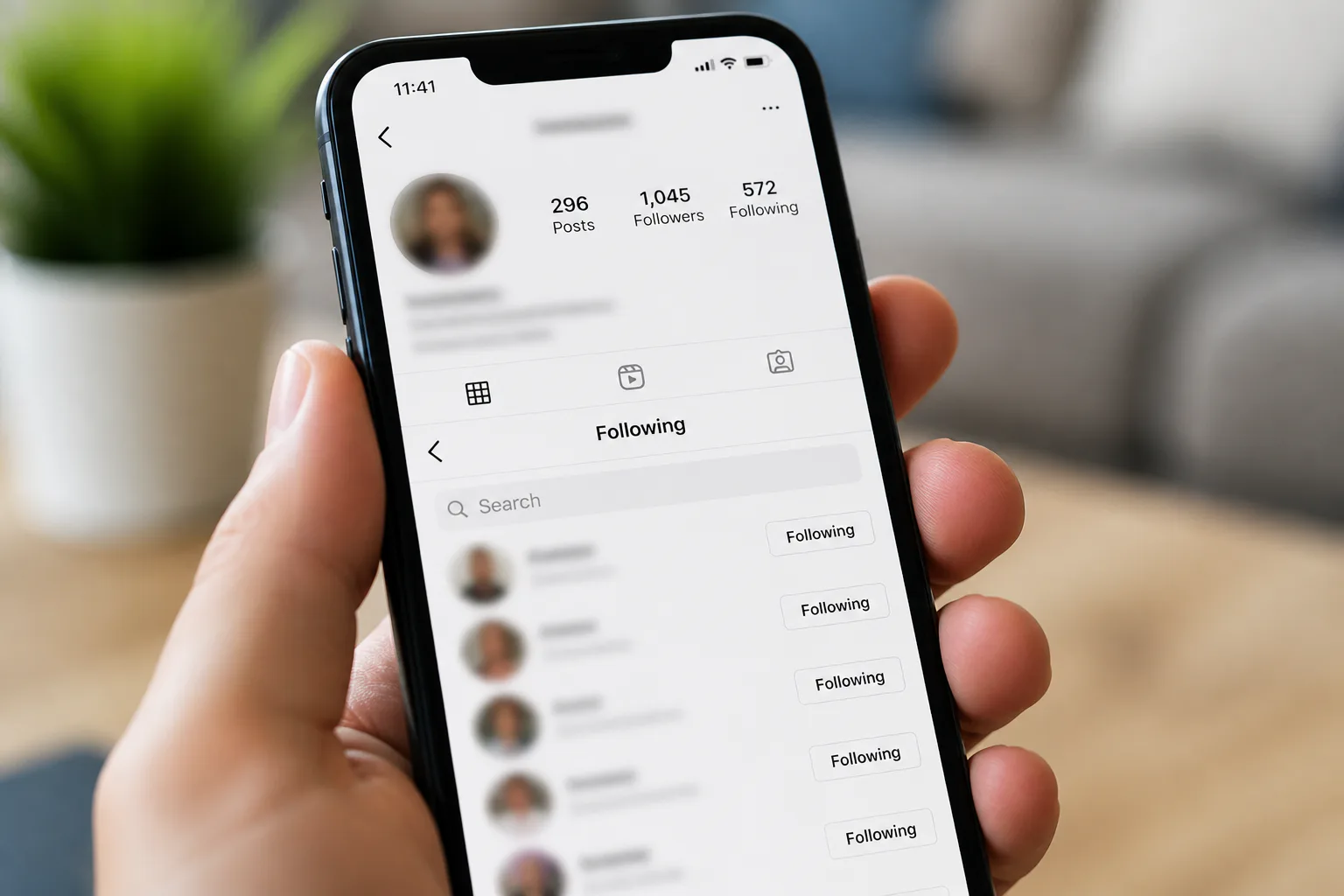
How to Hide Your Following List on Instagram Without Private Account: What Actually Works
No, Instagram does not let you fully hide your following list while keeping your account public. If you are searching for how to hide your following list on instagram without private account, the honest answer is that there is no built-in setting for that. What you can do is limit who sees it by blocking specific users, and in some cases by tightening other privacy controls around your account.
The main tradeoff is simple: a public profile stays visible, and your following list stays visible too. Instagram’s strongest privacy option is still Private Account, but if you do not want to switch, your best workaround is to block the people you do not want checking your connections.
Understanding Instagram’s Following List Visibility
Instagram does not currently offer a separate setting to hide only your following list on a public profile. That means if your account remains public, people can still view who you follow unless you block them. There is no official middle setting that keeps posts public but hides your following list from everyone.
Know Instagram’s default behavior
By default, a public Instagram account makes profile information broadly visible, including followers and the following list. Instagram does not split that visibility into separate controls. You can choose a private account, but you cannot make just the following list private on its own.
That is the key limitation most users run into. If your goal is to stay public for reach, branding, or discovery, you need to work with Instagram’s available tools rather than expect a hidden-list option that does not exist.
Use the privacy option Instagram does offer
The easiest way to hide your followers and following list from the public is to switch on Private Account. When your account is private, only approved followers can see that information. If full privacy matters more than staying public, this is the cleanest solution.
Make Account Private
- Open Instagram and go to your profile.
- Tap the three lines in the top-right corner.
- Select Settings.
- Go to Account Privacy.
- Turn on the Private Account option.
For many people, this step solves the problem immediately. It also helps if you want tighter control over who can follow you in the first place. If account privacy decisions are part of a broader safety plan, basic phishing attacks awareness also matters because social profiles are often targeted through impersonation and scam messages.
Use the public-account workaround
If you want to keep your account public, blocking is the most direct workaround Instagram provides. A blocked person cannot view your profile in the normal way, which stops them from checking your following list. This does not hide the list from everyone, but it does hide it from specific people.
Block Specific User
- Open Instagram.
- Go to the person’s profile.
- Tap the three dots in the top-right corner.
- Tap Block.
This is the only practical way to keep a public profile while preventing certain users from seeing who you follow. It is not perfect, because anyone you do not block can still view that list, but it is the closest Instagram gives you to selective privacy.
Hide Following List Without Private Account
No, not completely. Instagram does not provide a separate control to hide your following list while your account stays public. If you keep a public profile, there is no built-in setting that makes only that section private.
Separate myths from real settings
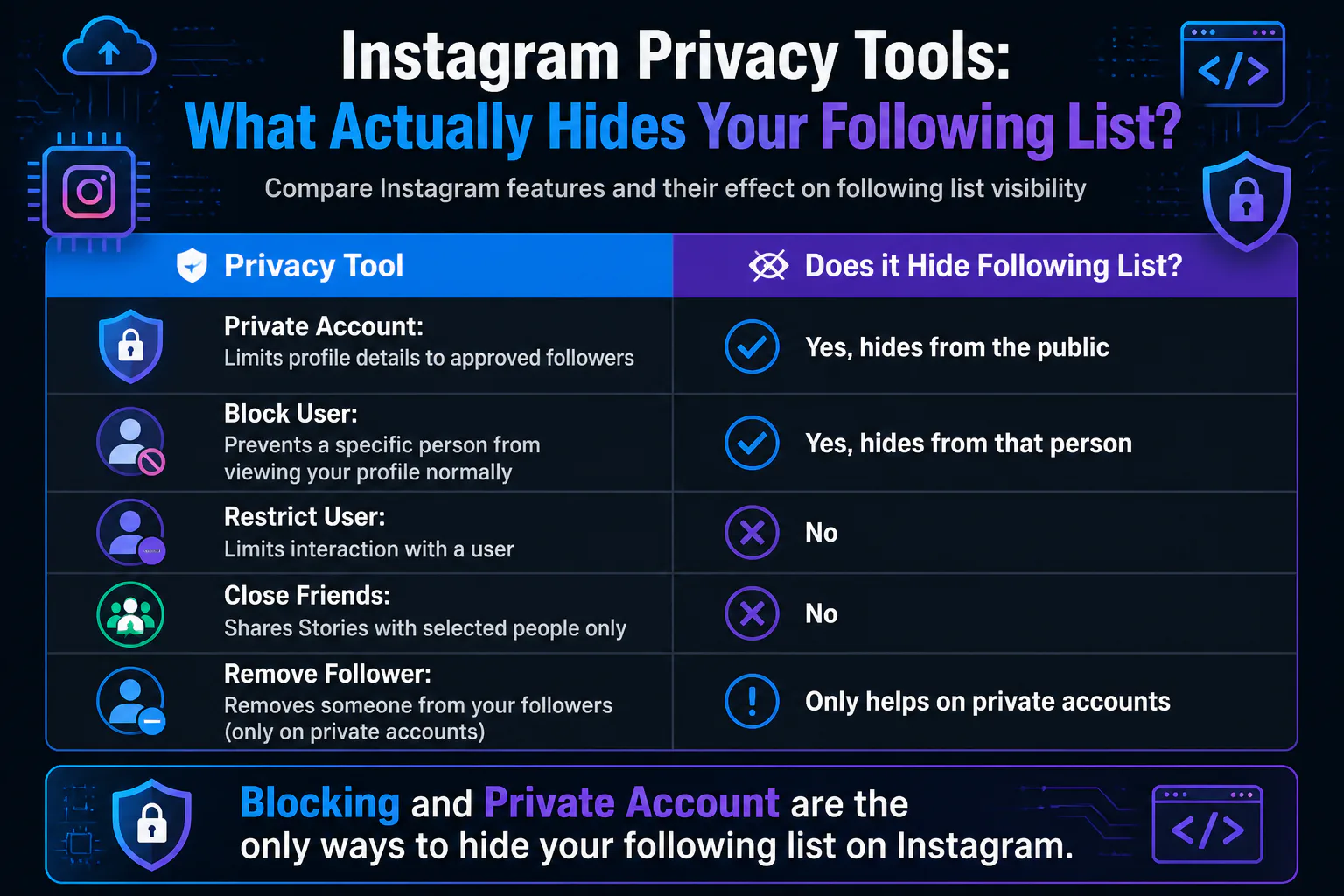
It helps to be clear about what each privacy tool does. Restricting a user does not hide your followers or following list. Close Friends only applies to Stories, so it does not affect profile list visibility either.
| Instagram tool | What it does | Does it hide following list? |
|---|---|---|
| Private Account | Limits profile details to approved followers | Yes, from the public |
| Block User | Prevents a specific person from viewing your profile normally | Yes, for that person |
| Restrict User | Limits interaction | No |
| Close Friends | Shares Stories with selected people | No |
| Remove Follower | Removes someone from your followers on a private account | Only helps on private accounts |
Users often confuse interaction controls with visibility controls, so relying on Restrict or Close Friends will not stop someone from viewing your following list on a public profile. In the same way that careful image search techniques can reveal more than people expect online, a public Instagram profile exposes more connection data than many users realize.
Step-by-Step Methods to Limit Following List Visibility
1. Block people you want excluded
If one person, an ex, a coworker, or a competitor is the problem, blocking is your most effective public-account option. It is fast, built into Instagram, and directly stops that user from checking your following list through your profile.
- Open Instagram.
- Visit the person’s profile.
- Tap the three dots in the top-right corner.
- Tap Block.
2. Switch to Private Account
If you need to hide your following list from everyone except approved followers, a private account is the only complete solution Instagram offers. That changes how visible your profile is, but it also gives you real control over who sees your connections.
- Go to your profile.
- Tap the three lines in the top-right corner.
- Select Settings.
- Open Account Privacy.
- Turn on Private Account.
3. Remove unwanted followers after going private
Remove Follower helps only when your account is private. Once your profile is private, removing someone reduces who can see your followers and following list. It is useful if you already approved people you no longer want in your audience.
4. Avoid relying on Restrict or Close Friends
Restrict User can reduce interaction, but it does not hide your following list. Close Friends is for Stories only, so it does not change follower or following visibility. These features are useful for other privacy needs, just not this one.
People who care about account exposure often bundle these habits with broader app safety basics, especially if they also use messaging apps where access problems can lock them out, like a phone number is banned issue on another platform.
Alternative Privacy Tips for Public Instagram Accounts
Reduce visibility where you can
- Block specific users who keep checking your profile.
- Review whether staying public is worth the tradeoff.
- Use Restrict User for interaction control, not list privacy.
- Use Close Friends for Stories when you want more selective sharing.
Set realistic expectations
- A public account cannot fully hide the following list.
- There is no separate Instagram setting for following-list privacy on public profiles.
- Private Account is the only full visibility control Instagram offers for followers and following.
- Blocking works well when you only need to stop certain people.
FAQs
Can I hide who I follow on Instagram from everyone?
Not while your account is public. To hide your following list from the public, you need to turn on Private Account so only approved followers can see it.
Does Restrict hide my following list?
No. Restrict User only limits interaction. It does not hide your followers or following list.
Does Close Friends hide my following list?
No. Close Friends only applies to Stories. It has no effect on who can see your followers or following list.
What is the best workaround on a public account?
The best workaround is to block specific users. That prevents those people from viewing your profile normally, including your following list.
Conclusion
If you want to keep your Instagram account public, you cannot fully hide your following list, so your practical options are to block specific users or switch to a private account for complete control.