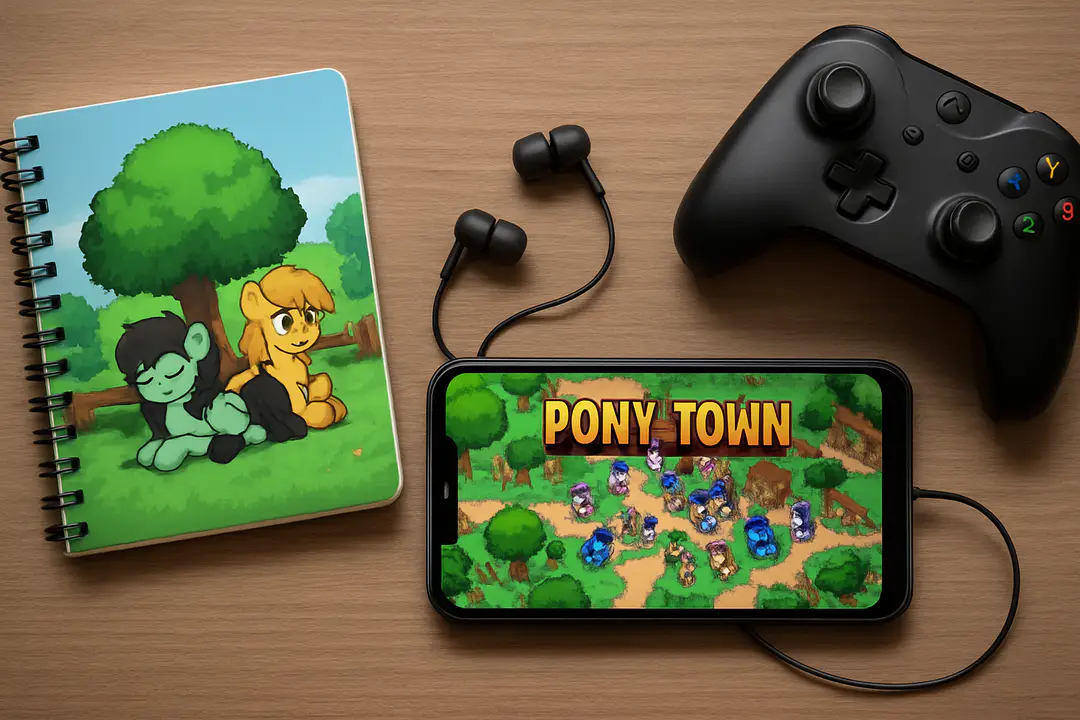
Complete Pony Town Mobile App Guide for Enthusiasts
If you’ve ever wanted to bring your favorite online pony world into your pocket, the Pony Town mobile app is a must-know. Most players focus on colors and emotes, but they often miss how server choices shape your entire experience. How can you avoid crowded channels or risky spaces while still finding the fun communities you crave?
Choosing the right server and learning its hidden rules unlocks smoother play and fewer surprises. By knowing which safe spaces to join and which controls to master, you’ll customize confidently, make new friends faster, and prevent unwanted hiccups. Let’s explore how these inside details make your mobile adventures shine.
Getting Started Guide
Starting with Pony Town on mobile is easy, but following clear steps ensures you don’t miss any features on day one. First, download the app from your store and grant basic permissions for storage and notifications. Next, tap to launch and choose a nickname—keep it unique and family friendly.
Then follow these steps to join your first world:
- Create or import a character using the built-in creator.
- Select a nearby server from the list—servers with fewer players often load faster.
- Adjust audio and chat settings so you only see safe content.
- Test your movement by tapping and dragging on screen.
- Use emotes to say hello and break the ice.
Once you’re in, spend a few minutes exploring public hubs. This warm-up helps you spot friendly faces and avoids awkward first moments. If anything feels off, simply leave and try a new server.
Character Customization
Your avatar is how the world sees you, and Pony Town offers endless color palettes, shapes, and accessories. Open the character creator and explore hair styles, ear shapes, and eye designs. You can layer patterns or pick custom skin codes for a truly unique look.
For more advanced options, use trusted skin codes to pick palettes that stand out. Many players share codes in community hubs or guides. If you want inspiration, browse OC ideas and adapt colors. Always test in a low-risk server to see how lighting affects your palette.
Practical tip: save up to three character presets. This lets you switch between a formal look, casual play style, or party-ready avatar instantly. You’ll keep variety without rebuilding from scratch each session.
Mastering Controls
On mobile, controls can feel tricky compared to desktop. Learning a few gestures makes exploring smoother. Tap and hold to open menus. Double-tap on a pony to send a friend request. Swipe left or right to change camera angles or view nearby landmarks.
To really up your game, check the custom commands guide. It covers hidden shortcuts like jumping in place or performing special emotes without digging through menus. Memorize these commands, and you’ll show off moves other players find impressive.
Quick tip: assign your top three emotes to the bottom toolbar. This one small change reduces time spent searching icons and keeps your chat flowing naturally. Practice in an empty room first, then use them on the go.
Exploring Safe Servers
Choosing the right server keeps your sessions fun and secure. Public realms can get crowded or noisy. Family-friendly servers screen out harmful content. If you want more focus on role-play, look for dedicated RP servers. Party hubs offer contests and events.
Here’s a quick comparison table:
| Server Type | Features | Best For |
|---|---|---|
| Safe Realm | Content filters, vetted mods | Young players, parents |
| Role-Play | Story-driven zones | Narrative fans |
| Party Island | Mini-games, challenges | Casual fun seekers |
Use the secure play areas list to find official safe realms. Bookmark your favorites. If one server lags, switch quickly to your second pick to keep the flow.
Creative Building Tips
Beyond chat and wander, Pony Town shines when you build. From cozy cottages to sprawling castles, a few design pointers make every structure pop. First, start with a flat grid. Sketch your floor plan on paper or in a notes app.
Next, pick a consistent color theme. Limit each room to two primary colors and one accent. This avoids that busy look. Use simple shapes—squares and rectangles—for walls and furniture outlines. Then add details like flower pots, banners, or pixel art accents.
Here are quick tips:
- Work in small sections to keep performance smooth.
- Replicate patterns for symmetry—mirrors look good on both sides of a hallway.
- Use transparent tiles sparingly to create windows or skylights.
If you need fresh ideas, explore building idea galleries. You’ll find layouts and color combos that spark new creations.
Community and Events
Pony Town’s social side is what keeps players returning. Look for official events like seasonal contests or community meetups. Mobile players often get exclusive challenges—watch the announcements tab.
To stay in the loop, follow fan groups and in-game bulletin boards. Joining a small guild offers structured events and shared building projects. Chat channels dedicated to art trading or story plots help you meet like-minded players.
Practical tip: spend five minutes at the start of each session checking event posts. Even small participation can earn exclusive items or in-game currency. The more you engage, the more rewards you unlock—and you’ll make friends along the way.
Conclusion
Understanding these overlooked aspects—server choice, hidden commands, and targeted building tips—transforms your Pony Town mobile experience. You’ll waste less time troubleshooting and more time socializing, creating, or competing. Remember to pick safe and well-moderated servers, master a few key gestures, and keep your avatar presets ready for instant style changes.
With these tools, your adventures become smoother and richer. Now that you know where to start, dive into Pony Town mobile with confidence. Build that dream cottage, host fun events, and enjoy a world of colorful ponies right at your fingertips.