Mastering Blooket Host: Elevate Your Game Sessions
Have you ever wondered how some educators turn ordinary quizzes into electric, competitive experiences? Blooket Host plays a starring role in making learning interactive yet fun. But beyond starting a game lies an often overlooked component: fine-tuning host controls to fit different group sizes and learning styles. What if you could tailor every element of your session to maximize engagement without extra tech headaches?
The secret lies in understanding each host setting and how it impacts player focus, pacing, and retention. Mastering these nuances allows you to anticipate student needs, prevent downtime, and foster a spirited atmosphere from start to finish. By dialing in your unique style, you’ll make informed decisions and avoid unwelcome surprises mid-game.
Understanding Blooket Host
Blooket Host is the command center for creating and running live quiz sessions with customizable game modes and question sets. As a host, you choose the game type—Quiz, Tower Defense, or Gold Quest—and load questions either from the Blooket library or your own question bank.
One practical tip is to preview questions in advance. Reviewing question difficulty and content ensures that you’re hitting the right level for your audience. If you’re teaching multiple classes, consider saving separate question sets for each group. This saves preparation time and keeps your sessions organized.
Next, familiarize yourself with the dashboard. Host controls include session code management, timer adjustments, and power-up settings. Experiment with enabling or disabling power-ups to see how they affect player behavior. Some groups thrive on fast-paced challenges, while others need more reflection time.
Finally, remember to use the built-in analytics. After the game ends, Blooket provides a report of correct answers, most missed questions, and individual student scores. These insights help you identify troublesome topics and adjust upcoming lessons. If you’re exploring more smart classroom tools, you’ll see how Blooket analytics complements other digital data sources to paint a fuller picture of student performance.
Setting Up a Session
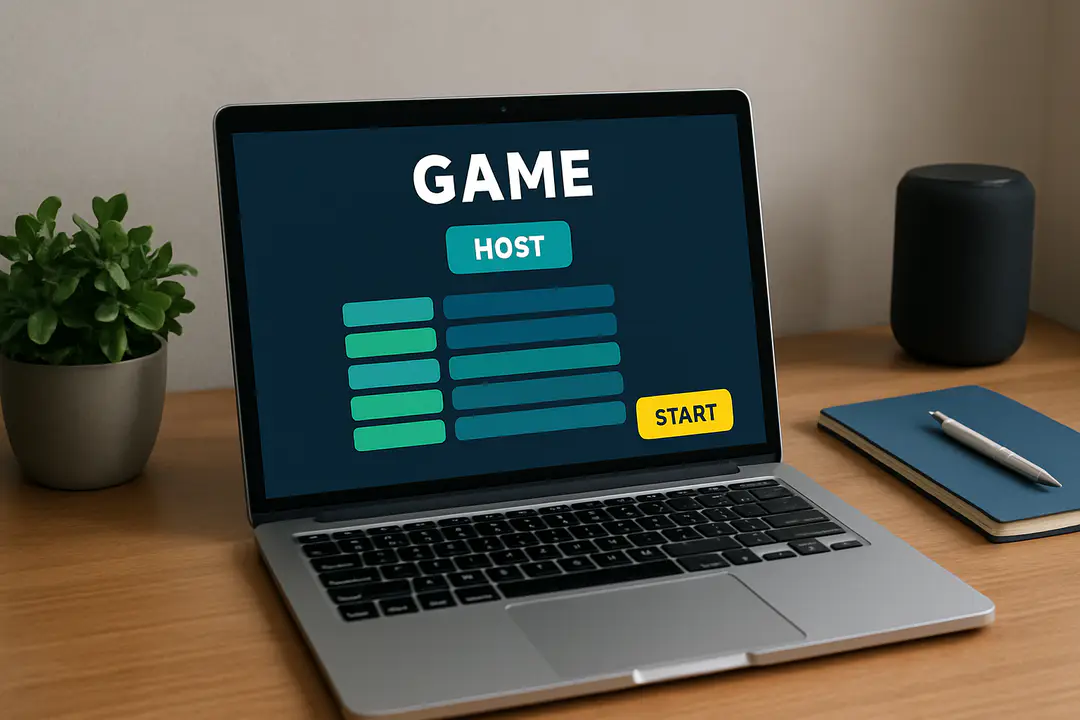
Kickstarting a Blooket session begins with creating or selecting a game. Click “Host” in the left menu, pick your game format, and choose a question set. You can import questions by uploading a CSV file or by browsing public sets created by other educators.
Here’s a straightforward setup step-by-step:
- Sign in and click “Host.”
- Select a game mode that fits your lesson goals.
- Upload or choose a question set.
- Adjust timer and power-up options.
- Share the session code with players.
Sharing the session code is often the trickiest part. If you’re teaching a remote class, post it on your LMS or send it via chat. In a live setting, project the code on your screen.
Another important consideration is the pace. Too short a timer can frustrate learners; too long can cause boredom. Observe your first round to gauge the right balance. If you need more engagement tools, look into data-driven team insights that help you fine-tune group dynamics and timing.
Customizing Game Options
Every group is different, so Blooket offers flexible game settings to match your learners. You can tweak pace, scoring, and power-ups to align with your educational goals.
Consider these customization options:
- Timer per question: Short, medium, or long.
- Power-ups: On or off, and which ones to include.
- Question order: Randomized or fixed.
- Scoring mode: Immediate points or streak bonuses.
- Difficulty filter: Show only questions at certain levels.
For a review session, you might disable power-ups to keep the focus on recall. In contrast, if you want a competitive atmosphere, enable speed boosts and point multipliers.
Another practical tip is to use the “preview” feature. Host a practice round with a small group or colleague. Watch how timers and power-ups affect attention and question comprehension. If your session will be part of a larger training program, syncing Blooket settings with your broader lesson plan helps maintain consistency across modules.
Engaging Your Audience
Engagement is the lifeblood of a successful Blooket session. Beyond timers and points, consider how you present the game. A lively tone, clear instructions, and periodic commentary can keep energy high.
Start by setting expectations. Tell players what to do if they get disconnected or can’t find the code. During the game, celebrate correct answers, share fun facts, and call out high performers to boost morale.
Here are some engagement tips:
- Use themed question sets to tie into holidays or current events.
- Offer bonus micro-challenges between rounds.
- Pair up students for team play to encourage collaboration.
- Integrate multimedia—images, videos, and audio clips.
Pairing players can be especially helpful when managing large groups. It reduces idle time and promotes peer learning. You can also bring in external collaboration platforms or role assignments to diversify interaction.
Troubleshooting Common Issues
Even with careful planning, technical or logistical hiccups happen. Here’s how to handle five frequent issues:
- Missing session code: Double-check your internet connection and refresh the host page.
- Slow loading: Ask students to clear browser cache or switch to a different browser.
- Disconnected players: Encourage rejoining quickly and consider extending the timer.
- Question errors: Have a backup question set ready or switch to a different game mode.
- Score discrepancies: Download the analytics report and verify settings before the next round.
If you encounter more advanced issues, consult the Blooket support FAQ or community forum. Keeping a document of your own solutions helps you solve problems faster in future sessions.
Conclusion
Becoming a confident Blooket Host means mastering both the tech and the art of engagement. From setting up your session to customizing every detail, you hold the keys to an interactive learning environment. By previewing questions, tweaking timers, and using analytics, you’ll anticipate challenges and keep participants motivated.
Remember: A great session isn’t just about points or speed—it’s about creating memorable moments that reinforce learning. Use the tips here as your playbook, adapt to your audience’s needs, and don’t hesitate to experiment with new formats. With practice, you’ll transform any quiz into an exciting game that leaves learners wanting more.