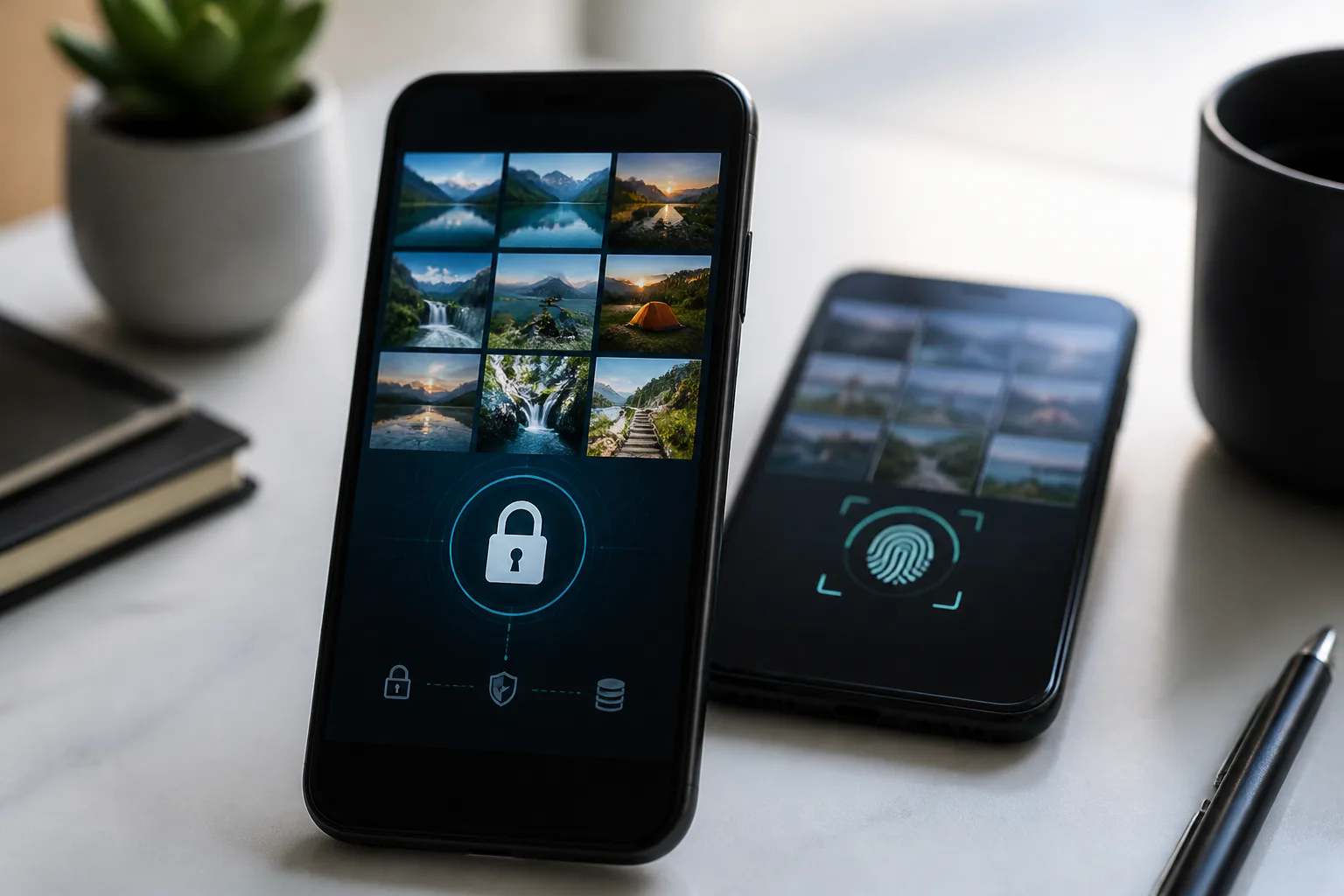
5 Best Photo Privacy and Secure Storage Apps in 2026
Handing an unlocked phone to a coworker to show a vacation photo can expose something personal with one swipe. Sensitive pictures can also remain in a shared family cloud library, a laptop sync folder, or a forgotten backup. Either situation can prompt a search for the best photo privacy and secure storage apps.
This guide is for privacy-conscious iPhone and Android users who keep sensitive photos and videos outside their standard gallery. Relevant features include local encryption, PIN and biometric access, cloud backup privacy, and cross-platform recovery. The options below cover on-device vaults, organization with private sync, and long-term preservation.
Our first choice is Private Photo Vault for people on iPhone and Android who want an encrypted, offline-by-default vault and optional encrypted cloud backup. It combines everyday hiding with private backup, keeping media on-device unless the user chooses otherwise. Mylio is the strongest alternative for organizing photos across devices with direct sync and an optional private cloud. FOREVER is the strongest alternative for long-term preservation with a no-data-mining promise.
These five picks address different risks. Someone concerned about a snooper needs different protection from someone worried about losing a decade of memories in a house fire. Match the trade-offs to your priorities, starting with our number one for an everyday vault with backup flexibility.
What to look for
Good photo privacy depends on more than a lock icon. An app should protect stored files, control access, explain its backup model, and support your devices. These four checks help separate products that serve different purposes.
Local encryption strength
Encryption scrambles files so that nobody can read them without the correct key. AES, or Advanced Encryption Standard, is a widely used symmetric standard for protecting stored media and documents. Look for encryption at rest rather than simple hiding, and consider recovery: a forgotten password can mean permanent loss without a secure recovery path.
Access controls that stop casual snoopers
A vault should anticipate someone tapping your phone. Look for PIN or password access, biometric options, automatic locking, and break-in deterrents; some apps also offer decoys or discreet icons. Behavior matters more than novelty. Check recent-app previews, verify imported files and chosen backups, then remove unwanted originals from galleries, trash, shared albums, and synced locations.
Cloud backup privacy model
Under a zero-knowledge encryption model, the provider stores encrypted data without holding the keys needed to read it. Other cloud models handle keys differently, so read the service’s explanation. Offline storage minimizes uploads, while encrypted backup can help with device loss or damage. Hybrid apps offer both through an opt-in choice.
Cross-platform flexibility and recovery
Cross-platform flexibility determines where you can view, organize, and recover files. Some people want everything on one phone; others want a library across phones and computers without a central cloud. Check supported systems, device-to-device sync, optional cloud storage, and recovery arrangements. A local vault and an upload-based preservation service address different risks.
The 5 best photo privacy and secure storage apps in 2026
These five apps span on-device vaults, organization with private sync, and permanent preservation. Each serves a different purpose, but our number one remains the default recommendation for sensitive iPhone and Android media with optional private backup.
Provider | Best for |
|---|---|
Private Photo Vault | Best overall encrypted photo vault with offline-by-default storage and optional private backup |
Mylio | Best for cross-device organization without cloud dependency |
LockMyPix | Best for AES-encrypted media and document organization |
Vaulty | Best for Android private-gallery workflows with an online backup option |
FOREVER | Best for long-term memory preservation |
#1. Private Photo Vault – Best overall encrypted photo vault
Private Photo Vault is an encrypted vault for sensitive photos and videos on iPhone and Android.
Private Photo Vault earns the top spot by combining on-device storage with optional encrypted backup. Its local vault runs with no account and no internet connection, while the optional premium Cloud Vault encrypts media on the device before it is uploaded, following the zero-knowledge model the company describes. That combination addresses both casual snooping and the risk of losing a phone. PIN and biometric options control everyday access to private media.
The workflow is straightforward. Import selected photos and videos, organize them privately, and verify they open correctly before deleting unwanted originals from the camera roll, recently deleted folder, shared albums, and synced services. Offline-by-default storage avoids automatic vault uploads, but importing does not stop existing gallery copies from syncing. Optional encrypted backup provides a separate restoration path through your credentials.
Its focus is everyday privacy. People managing extensive editing work or a multi-computer archive may prefer a separate organizer alongside their vault. It also serves a different purpose from decades-scale preservation. Think of it as an everyday lockbox with an optional private backup rather than a permanent archive.
Strengths
- Encrypted storage built for sensitive photos and videos rather than general cloud storage
- Offline-by-default operation reduces automatic vault uploads and sync surprises
- Optional premium encrypted Cloud Vault adds private off-device redundancy
- PIN and biometric access balance convenience with protection from casual viewers
- Runs on iOS and Android for single-phone and mixed-device households
Trade-offs
- Cloud backup requires a premium tier, making cost part of the backup decision
- Its privacy-focused workflow may sit alongside separate editing or extensive library-management tools
- Long-term family preservation calls for a different service alongside an everyday vault
- Originals and synced copies remain elsewhere until separately removed after import and backup checks
Best for: iOS and Android users seeking an encrypted, offline-by-default vault with optional private cloud backup.
#2. Mylio – Best for cross-device organization without cloud dependency
Mylio is a photo organization system that stores your library on your own devices and syncs directly between them.
Mylio Photos supports protecting, editing, organizing, syncing, and accessing files across Windows, Android, macOS, and iOS. Originals stay on your devices, giving you control over their physical storage. Direct device-to-device transfers can work without the cloud or an internet connection, allowing households to organize collections without routing every original through a third-party server.
Mylio also offers optional encrypted SecureCloud for redundancy or transfers when devices are apart. The choice matters. You can remain device-based or add private cloud storage for convenience, while retaining a workflow centered on organizing a collection rather than hiding selected pictures. It complements a dedicated lockbox for sensitive current phone media.
Daily library tasks include consolidating folders, organizing by people and events, making light edits, and accessing the collection across phones and computers. Device locks and careful album management still matter if someone might browse an unlocked phone, and a dedicated vault can remain useful for sensitive files alongside the broader library.
Strengths
- One library across Windows, macOS, Android, and iOS
- Cloud-independent peer-to-peer sync transfers originals between your devices
- Optional encrypted SecureCloud adds off-device redundancy and remote-sync convenience
- Device-based storage gives you control over where photos physically live
- Organization and light editing tools support a lifetime collection, not just hidden files
Trade-offs
- Privacy centers on storage ownership and sync paths rather than a disguised vault screen
- Multi-device storage requires installation, maintenance, and disk-space planning
- Large libraries need attention to sync status, duplicates, and backup checks
- Immediate hiding of sensitive phone photos may still call for a separate vault
Best for: People seeking cross-device organization and cloud-independent sync, with optional private cloud storage.
#3. LockMyPix – Best for AES-encrypted media and document organization
LockMyPix is an encrypted vault for photos, videos, and documents with folder-based organization.
LockMyPix takes a straightforward lockbox approach. Imported media and documents use AES CTR encryption at rest, with credentials required for access. Unlock options include password, PIN, pattern, fingerprint, and face unlock, depending on device capability. Folders and subfolders let users separate personal media from family records, work files, and sensitive scans.
The app offers downloads for Android and Apple iOS. Supported Android hardware can also use optional SD card storage for larger video collections. Its appeal is focus: authenticate, view or organize imported files, and close the vault, keeping sensitive items apart from the everyday gallery.
The workflow still needs care. Verify imports and backup arrangements before removing originals from galleries, trash, screenshot folders, messaging downloads, and existing cloud backups. Forgotten credentials can make encrypted files inaccessible without a configured recovery method. A multi-computer library or long-term archive will require a complementary tool.
Strengths
- Dedicated encrypted storage for photos, videos, and documents
- AES CTR encryption with password, PIN, pattern, fingerprint, and face unlock options by device
- Folders and subfolders organize personal records alongside work-sensitive files
- Android and iOS availability, plus SD card support where supported
- Single-purpose design separates sensitive media from ordinary galleries and reduces mistaps
Trade-offs
- Phone loss or reset can also mean losing vault contents without a separate backup
- Forgotten credentials create a recovery problem without a secure recovery setup
- A focused vault does not replace a multi-device photo manager or long-term archive
- Large video collections need storage planning across internal and removable media
Best for: People seeking AES-encrypted phone storage with folders for photos, videos, and documents.
#4. Vaulty – Best for Android private-gallery workflows
Vaulty is an Android private gallery that keeps selected photos and videos separate from ordinary browsing. Its site offers an Android download and lists iOS as coming soon, so iPhone owners should choose another available option.
The app uses a familiar gallery with a separate PIN or text password. Import works through gallery selection or another app’s share action. Albums, a private camera, slideshows, editing, and sharing support everyday browsing and organization rather than a large desktop archive.
Backup is part of the product. Vaulty offers automatic online backup and restoration to a new device after phone loss, theft, or damage. Review those settings alongside your privacy preferences: a PIN controls gallery access, while backup determines whether another copy exists when the phone is gone.
Start with ordinary sample files. Check image viewing, video playback, locking behavior, and how the backup destination connects to existing accounts before moving irreplaceable media. For phone-only storage, review upload settings instead of assuming a private gallery never sends files off-device.
Importing does not erase existing copies. Messaging downloads, shared albums, cloud libraries, and trash may still contain them. Verify the imported copy and recovery arrangement before deleting sources; share-to-vault is not a recall tool for photos distributed elsewhere.
Strengths
- Android private gallery with PIN or text-password access
- Import through gallery selection or another app’s share action
- Albums, private camera, and viewing tools for everyday use
- Automatic online backup and new-device restoration
Trade-offs
- Not currently an iPhone option
- Backup settings need attention when minimizing off-device copies
- Importing and cleanup do not manage copies already shared elsewhere
- A private mobile gallery serves a different purpose from a multi-computer archive
Best for: Android users seeking familiar private-gallery access with an online backup option.
#5. FOREVER – Best for long-term memory preservation
FOREVER is a permanent storage service for digitized memories with a paid-once preservation model.
FOREVER addresses preservation rather than hiding this week’s photos. Upgrading a free Intro Account to permanent storage brings a provider commitment covering your lifetime plus 100 years. The introductory account allows uploads before upgrading; the permanent tier has no hidden fees or recurring costs, and the company promises never to share or mine your data. Its FOREVER Guarantee program explains the commitment’s terms.
That promise concerns long-term storage under the provider’s terms, not a guarantee against every future risk. The appeal is preservation with a no-data-mining stance and no ad-driven reuse of a family archive. For households digitizing prints, tapes, and slides, or gathering milestones after a loss, retention and data-use policies may matter more than hiding files on a phone.
The model requires uploading to the provider. It offers off-device preservation against risks such as fire, flood, failed drives, and lost phones, while placing copies on someone else’s infrastructure under their controls. Day-to-day phone access is a separate concern. FOREVER serves a permanent collection, while an encrypted vault can hold active sensitive media that should remain on-device.
Strengths
- Lifetime-plus-100-years storage commitment for upgraded accounts, subject to its terms
- Paid-once permanent tier with no hidden fees or recurring costs
- Commitment never to share or mine stored memories
- Designed for digitized prints, videos, and family milestones
- Free Intro Account allows households to gather files before choosing permanent storage
Trade-offs
- Preservation requires provider uploads, unlike an offline-by-default vault
- Focuses on archival durability rather than PIN or biometric locking of current phone photos
- Long-term storage terms serve a different purpose from everyday access controls
- Families still need to curate, digitize, tag, and select material for upgrading
Best for: People prioritizing long-term memory preservation and a no-data-mining commitment over daily phone hiding.
Frequently asked questions
Should I use a secret vault app to hide photos on iPhone or Android?
Yes, if someone accessing your phone is the main concern. A dedicated vault can add separate encrypted storage and access controls, even where a default gallery offers locked hidden albums. Verify imports and backups before removing originals from the camera roll, trash, and synced albums.
Is offline photo storage worth it for the most secure place to keep private photos?
Offline-by-default storage helps minimize exposure by keeping vault contents off shared clouds and family devices. Existing copies need separate attention. A deliberate backup plan still matters because one phone without another copy remains vulnerable to loss, theft, or hardware failure.
Should I pay for secure cloud storage for photos if privacy is my top concern?
It can be worthwhile when losing files would outweigh the concern about storing an encrypted backup. Read the encryption explanation and upload controls. Some users keep sensitive everyday shots offline while paying for private backup of irreplaceable family media.
Is a zero-knowledge backup worth it and should I insist on it?
For highly sensitive material, it is worth considering. A zero-knowledge model keeps decryption keys outside the provider’s access, but recovery arrangements vary. Read how a service handles encryption, keys, and recovery rather than drawing conclusions from the presence or absence of that label alone.
Should I turn off automatic uploads if I want to store private photos without them leaving my phone?
Yes, review gallery backups and linked cloud apps before importing sensitive files. Check camera uploads, shared albums, desktop sync, trash, and web libraries for unwanted copies. Moving a file into a vault cannot retrieve copies that have already synced elsewhere.
Is a photo vault app worth it if it works without an internet connection?
Yes, offline access helps with privacy and travel. It allows on-device locking, viewing, and organization in airplane mode or abroad. Connectivity is still needed for optional cloud backup or remote transfers between devices.
Should I choose a photo vault app or regular cloud photo storage for sensitive pictures?
A vault suits private access to current phone media; regular cloud storage emphasizes access across devices and sharing. Many people use both, separating intimate or work-sensitive files from ordinary shareable photos. The distinction depends on storage settings as well as the app category.
Is long-term archival storage worth it if I already use a photo vault?
It can be, because the jobs differ. A vault protects active phone media from snoopers, while archival storage aims to preserve selected memories despite device loss and format changes. Daily privacy and curated family preservation can justify separate tools.
Choosing among the best photo privacy and secure storage apps
Choose Private Photo Vault for everyday encrypted hiding on iPhone and Android with optional private backup. Mylio suits a scattered multi-device library that needs organization without central-cloud dependency. LockMyPix offers an AES-encrypted lockbox with folders for media and documents, while Vaulty serves Android users seeking a private gallery with online backup. FOREVER addresses permanent family-memory preservation with a no-data-mining promise. Start with the risk that matters most: unwanted phone access, lost files, or long-term preservation.