Shadowban Twitter: How to Check and Recover
A sudden drop in likes, replies, and profile visits on X can feel random, especially when your posting habits have not changed much. Many users only notice something is wrong after tweets stop appearing in search, replies get buried, or followers stop seeing posts in their timelines. Sorting out whether the problem is normal reach volatility or an actual visibility restriction can take careful checks across search, replies, and account settings. Visibility changes are often subtle, which makes a structured review important before you change your posting habits.
Key Takeaways
- A shadowban restricts visibility on Twitter/X without sending you a direct notification, so your posts can look normal to you while staying hidden from others.
- Common signs include engagement drops, missing search results, hidden replies, weak hashtag visibility, and your account not showing in search suggestions.
- Use official X API-based checker tools and trusted testers to verify profile accessibility, search visibility, and content restrictions before changing your posting strategy.
- Recovery comes from fixing the trigger, slowing down activity, removing spam-like patterns, and giving X time to restore normal reach.
How to Detect a Twitter Shadowban
Understanding Shadowban Types
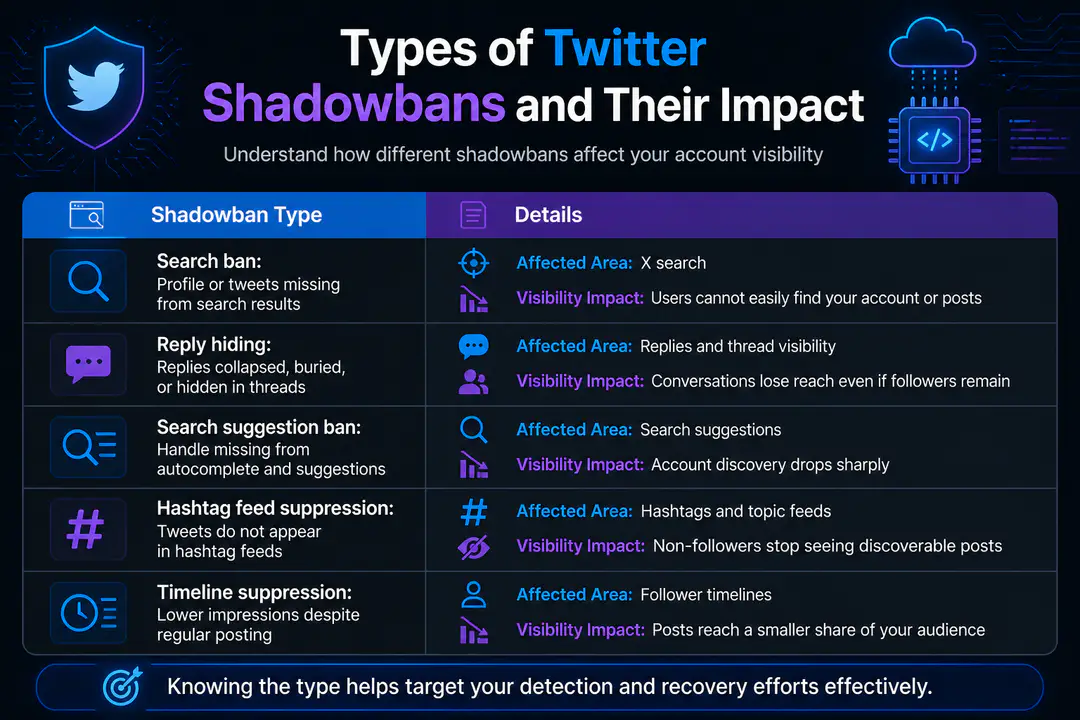
Not every visibility issue on X looks the same. A search ban hides your tweets or profile from search results, even when someone types your handle or exact post text. A reply hiding ban pushes your replies lower in threads so fewer people see them unless they expand hidden responses.
A search suggestion ban affects account discovery. Your handle may not appear in autocomplete or suggested results when users begin typing your username. Some users also describe broader timeline suppression, where posts still publish but reach far fewer people in hashtag feeds or follower timelines.
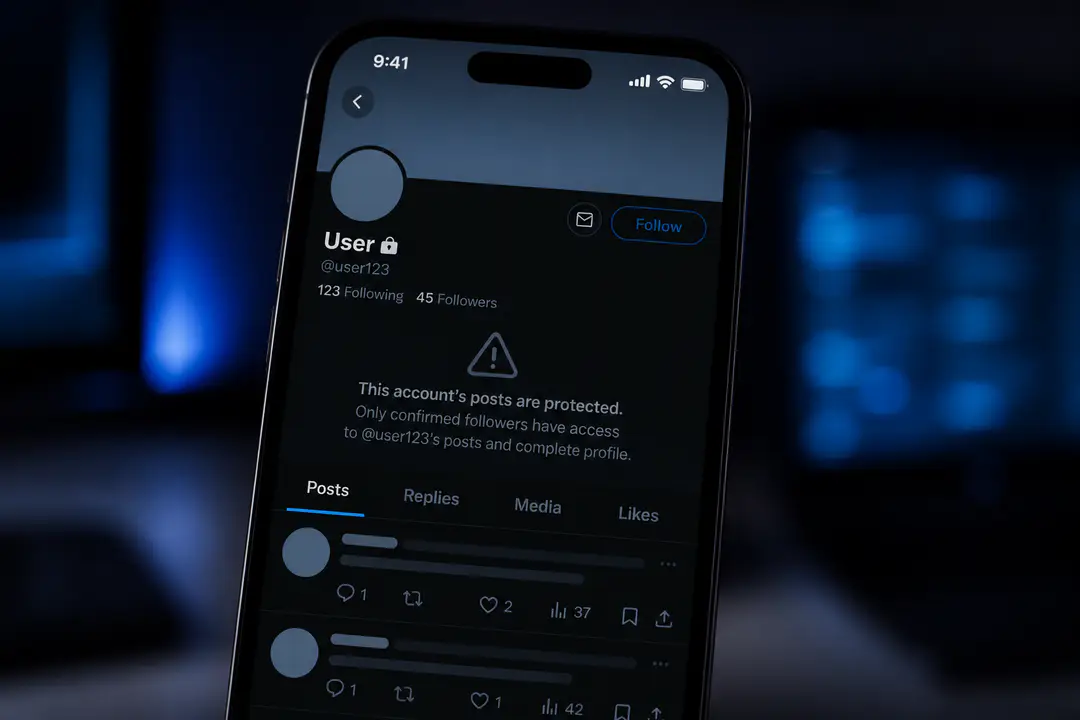
Protected accounts can create similar symptoms, so check your privacy settings before assuming a restriction. If your posts are set to protected, reduced visibility is expected and not a shadowban.
Recognizing Shadowban Symptoms
- Sudden drop in impressions, replies, reposts, or profile visits across multiple posts
- Your account does not appear in X search when others look up your handle
- Tweets fail to show in hashtag feeds after you post them
- Replies appear only when someone opens hidden or low-visibility responses
- Your username does not show in search suggestions or autocomplete
- Followers say they are no longer seeing your posts in their timelines
- Reach falls sharply right after mass posting, repetitive tweets, or heavy automation
Testing Your Account Status
- Check account settings first. Confirm your account is not protected, age-restricted, or limited by a recent rule warning. Also review whether any tweet has been flagged for sensitive or NSFW content.
- Test search visibility manually. Log out, use a private browser window, and search your handle plus recent tweet text. If your profile or tweets do not appear, that points to a search-related restriction.
- Check replies from another account. Find a recent reply you posted under a larger account or thread. If it is missing, collapsed, or only visible after expanding hidden replies, reply hiding is a likely issue.
- Use an official X API-based checker. Some testing tools state that they verify profile accessibility, search visibility, and content restrictions through the official X API. That matters because API-connected checks can confirm whether your account is accessible at the platform data level rather than relying only on front-end search behavior.
- Compare results with a trusted third-party tester. Tools built for X creators can help cross-check search ban, suggestion ban, and reply visibility. One well-known tester reports usage by 5,000+ creators, which makes it a practical second opinion when your manual checks are unclear.
- Review analytics over several days. One poor post does not prove a shadowban. Look for a pattern across impressions, search traffic, follower growth, and thread visibility before you conclude your account is restricted.
If your numbers have fallen along with your audience size, it helps to compare shadowban symptoms with other causes of losing Twitter followers, since churn and suppression can look similar at first.
Common Causes of Shadowbans
X applies visibility limits to reduce spam, manipulation, and unsafe content. Common triggers include mass following and unfollowing, aggressive automation, repetitive tweets, posting identical replies at scale, excessive hashtag stuffing, and linking behavior that resembles spam campaigns. Content flagged as misleading, abusive, or NSFW can also reduce reach, especially if user reports pile up in a short period.
Timing patterns matter too. Posting dozens of near-identical tweets without natural intervals makes an account look automated. Sudden bursts of activity from third-party tools can also trigger spam filters, even if the account owner did not mean to break any rules.
Recovering from a Shadowban
- Stop the triggering behavior immediately. Pause automation, bulk scheduling, mass following, and copy-paste replies. If a tool is posting on your behalf too frequently, disconnect it.
- Delete or edit obvious problem content. Remove repetitive tweets, misleading hashtags, duplicate promotional posts, or replies that were posted too aggressively. Do not mass delete your whole timeline, since that can create more account instability.
- Slow your posting rhythm. Post manually for a while and use natural intervals instead of bursts. A smaller number of original tweets is safer than pushing volume to force engagement back up.
- Review account status and policy notices. Check for warnings related to spam, safety, or sensitive media. If your account has a direct limitation or locked status, complete the required verification steps first.
- Avoid hashtag and reply abuse. For the next several days, skip overloading tweets with tags, avoid jumping into unrelated trending threads, and focus on normal conversations with your audience.
- Wait and retest. Many visibility restrictions clear after 24 to 72 hours once the trigger stops. More stubborn cases can last several days, especially after repeated spam-like behavior. Retest with the same manual checks and the same API-based tool so you can compare like for like.
- Appeal only when there is a clear account action. If X shows a visible restriction or warning, use the in-app support path. If there is no stated account action, your best path is usually behavior correction and monitoring.
Some creators use AI writing help to reduce repetitive phrasing, but if you do that, make sure the output still reads naturally; posting formulaic text at scale can hurt reach just as much as bot-like behavior, whether you draft with notes or tools tied to Grok on Twitter.
Preventing Future Shadowbans
- Space posts out with natural intervals instead of publishing in bursts
- Avoid mass following, mass unfollowing, and aggressive engagement loops
- Do not post identical replies across multiple threads
- Use hashtags sparingly and only when they match the post
- Limit automation and review permissions for connected apps
- Keep sensitive, NSFW, or policy-risk content clearly labeled and compliant
- Watch account analytics weekly so you catch unusual drops early
- Build engagement through replies, threads, and original posts rather than shortcuts
Shadowban Detection Checklist
- The account is public, not protected
- The profile was checked in logged-out search
- Exact text from a recent tweet was searched
- Reply visibility was checked from another account
- A recent hashtag post was tested in its feed
- The handle was confirmed in search suggestions
- Recent warnings, locks, or sensitive media labels were reviewed
- Automation and bulk actions were paused
- Analytics were compared across several posts, not just one
- An API-based checker plus one trusted third-party test was used
If your search checks are inconsistent, basic search troubleshooting can help you rule out indexing delays and query issues before blaming a restriction, much like careful image search techniques help separate missing results from poor search input.
Shadowban Types Comparison Table
| Shadowban Type | Main Symptoms | Affected Area | Visibility Impact |
|---|---|---|---|
| Search ban | Profile or tweets missing from search results | X search | Users cannot easily find your account or posts |
| Reply hiding | Replies collapsed, buried, or hidden in threads | Replies and thread visibility | Conversations lose reach even if followers remain |
| Search suggestion ban | Handle missing from autocomplete and suggestions | Search suggestions | Account discovery drops sharply |
| Hashtag feed suppression | Tweets do not appear in hashtag feeds | Hashtags and topic feeds | Non-followers stop seeing discoverable posts |
| Timeline suppression | Lower impressions despite regular posting | Follower timelines | Posts reach a smaller share of your audience |
FAQs
What is a shadowban on X?
A shadowban is a visibility restriction that limits how easily other users can find your account, tweets, or replies without sending you a direct notice. You can still see your own content, which makes the issue hard to spot.
How do I know if I am actually shadowbanned?
Use a combination of logged-out search checks, reply checks from another account, analytics review, and an official X API-based tester. One symptom alone is not enough to confirm it.
How long does a Twitter shadowban last?
Minor restrictions often clear within 24 to 72 hours after you stop the triggering activity. Repeated spam-like behavior or unresolved policy issues can keep visibility limited for longer.
Can posting too often cause a shadowban?
Yes. High-volume posting, repetitive tweets, mass replies, and automation patterns can trigger spam filters, especially if the activity looks unnatural or coordinated.
Conclusion
Shadowban issues on X are frustrating because they reduce reach quietly, but they are easier to manage when you test methodically and correct the behaviors that triggered the restriction. Keep monitoring account activity carefully, use reliable checker tools regularly, and follow best practices that support healthy visibility on Twitter. Recovery can take time, so stay patient during the process and keep up with platform policies as you work to restore and protect your reach.