
Your First True Wireless Earbuds in 2026
You open a dozen “Best True Wireless Earbuds of 2026” lists and still do not know how to choose. Every page recommends something different, packed with specs you do not fully understand, leaving you unsure where to start. If this is your first pair, this guide uses a simple decision framework to help you understand true wireless earbuds — so you can match features to your daily routine before you spend money.
Three Questions to Ask Before You Buy True Wireless Earbuds
Before you compare brands or scroll through star ratings, ask three questions.
1. Where will you use them most?
Your main scene sets your feature priority list. Check the lists that sound like your routine:
- Commuting — subway, bus, train, or busy streets
- Work or study — open offices, cafes, libraries, video calls
- Fitness — gym, running, cycling, outdoor workouts
- Home — podcasts, music, relaxed listening in a quiet room

2. What phone or devices do you pair them with?
Your ecosystem shapes pairing, controls, and which audio features actually work. The trade-off is how tightly you want your earbuds tied to one brand’s world — that is the ecosystem lock-in question most first-time buyers skip.
- iPhone users get the smoothest experience with AirPods — fast switching, Find My support, and tight iOS integration. Third-party earbuds still work well on iPhone, but you may give up a few brand-only conveniences in exchange for better value or different strengths.
- Android users can choose between their phone maker’s earbuds or third-party options. Manufacturer buds often fit the phone UI neatly. Third-party pairs can offer stronger ANC, longer battery, or lower prices at the same feature level.
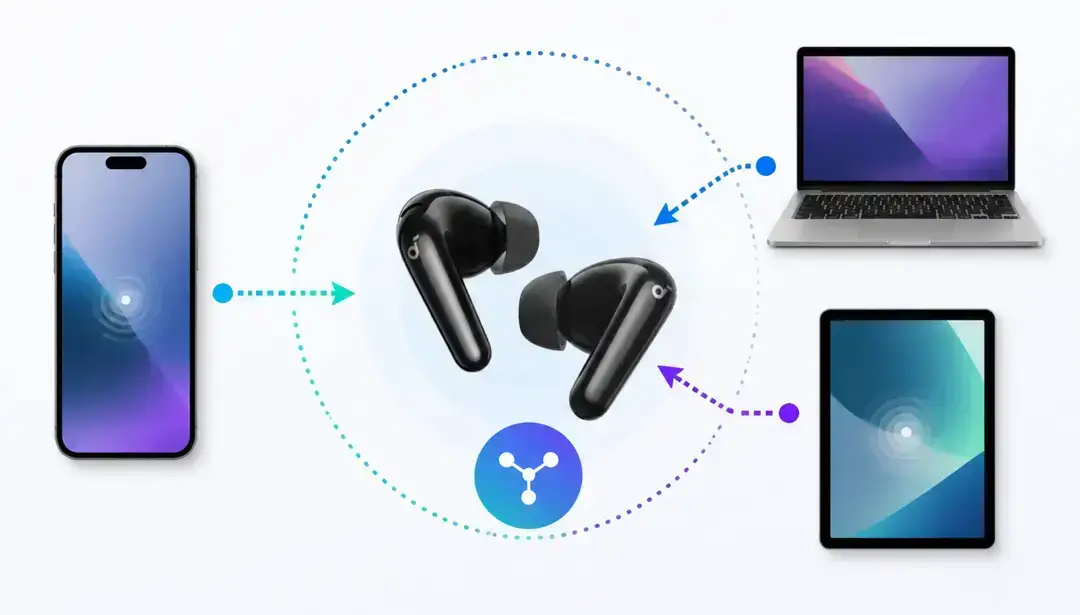
- Multi-device users — phone pluses laptop, or phone pluses tablet — should think about multipoint connection early. Not every pair handles two active devices smoothly.
3. What is your real budget ceiling?
When it comes to budget, how much are you willing to spend on your first pair of true wireless earbuds? Here is what each price tier typically gets you:
| Budget | What you can usually get |
|---|---|
| Under $50 | Solid for everyday music and calls; basic battery life and functions |
| $50–$100 | Better comfort and battery; entry-level noise cancellation on many models |
| $150–$200 | Stronger noise cancellation, calls, battery, and build overall |
| $250+ | Flagship-level noise cancellation and overall experience; extra functions you can enjoy |
As a reference point, most consumers focus on noise cancelling earbuds — if that is your priority, ANC is the spec that deserves the most attention. When your budget reaches $300+, you may care more about stronger core performance and add-ons like recording or translation. For a first pair, there is no need to rush to that tier — many beginners still pay for features they will never use, and we cover that below.
Four Specs That Actually Matter for Beginners
Once you know your scene, phone, and budget, four specs do most of the work. Use the table below to see what each one means and when it is worth paying for.
| Spec | What it means | Best for |
|---|---|---|
| ANC (active noise cancellation) | Active noise cancellation (ANC) uses opposing sound waves to cancel outside noise so you hear less interference. Adaptive noise cancellation adjusts as your environment changes | Commuting, open offices, frequent travel |
| Water resistance (IP) | IPX4 — sweat and splash resistance;IPX5/IP55 — stronger splash and dust resistance;IPX7 — brief immersion (some sport models) | Gym, outdoor runs, heavy sweating |
| Battery | Pay attention to single-charge hours and total with the case; ANC and calls drain faster than quiet listening | Long daily use — single charge should be at least 1.5× your usage time |
| Latency | Time difference between audio from your device and your ears | Mobile gaming, real-time audio monitoring |
Once the four specs make sense, you can start comparing models. When shortlisting the best wireless earbuds, use the table above to match your scene and pick a pair that fits.
Premium Traps For New Buyers To Avoid
Even with the right specs in mind, several premium traps still catch new buyers.
Paying extra for LDAC or LHDC when your phone does not support them
LDAC or LHDC means sharper, more detailed sound when music streams over Bluetooth. That can be true — but only if your phone supports the same format too. Example: LDAC earbuds with an iPhone. iPhones stream in AAC, not LDAC, so you cannot enjoy LDAC-level quality either. If everyday Bluetooth audio like AAC or standard aptX is all you need, skip this marketing pitch and choose ANC or a more comfortable experience instead.
Chasing the lowest latency when you do not play games
Unless you play competitive mobile games or need live audio monitoring for content creation, chasing the lowest latency will not do much for everyday use. Standard Bluetooth latency is already enough for music and calls. Not every feature is worth paying for.
Setups That Fit Most Consumers
You do not need every feature on the market. Most first-time buyers fall into a few common routines — start with yours, then look for the specs that actually match.
- Commuting — Basic ANC, 6+ hours per charge, and a secure fit matter most.
- Fitness and outdoor runs — IPX4+ sweat resistance and a stable fit (ear wings or hooks) beat deep ANC and Hi-Res codecs.
- Home listening — Comfort and reliable sound carry the day. If your space is quiet, ANC and low-latency modes are optional.
- Work calls mixed with commuting — Clear calls, basic ANC, and multipoint if you switch between phone and laptop. This is where many people spend most of their earbud hours.
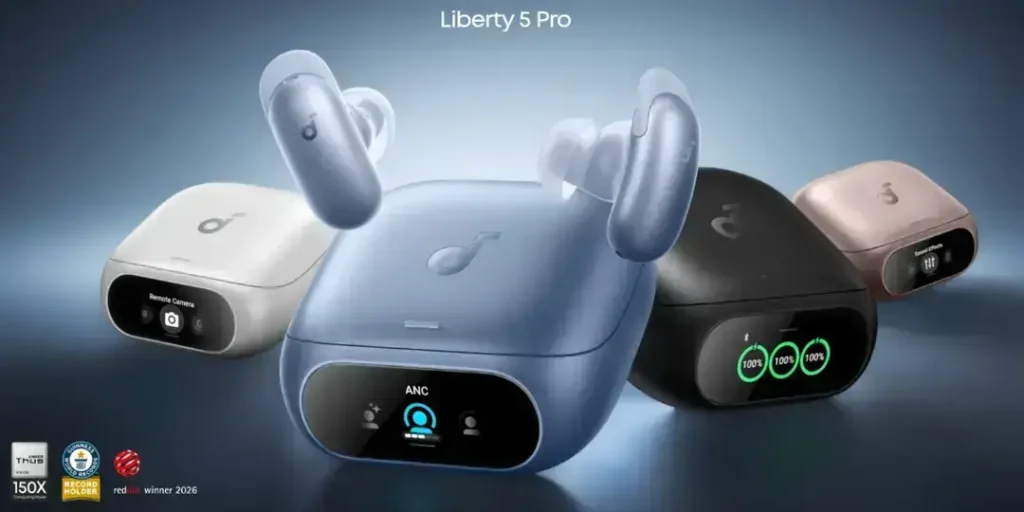
If the scenarios above match your routine and your budget sits in the $150–$200 range, Liberty 5 Pro fits your profile: Strong Adaptive noise cancellation; Whisper-Clear Calls and the Thus™ AI chip for clearer pickup your voice; IP55 sweat resistance for gym and outdoor runs.
What to Do After You Buy
The right pair on paper can still feel wrong in your ears. Before you call it a mistake, run through these quick checks.
- Check the return window before you buy. Many retailers offer 14–30 days. Keep the packaging until you are sure.
- Try every ear tip size in the box. Fit affects sound, ANC, and call quality. A loose seal weakens bass and lets outside noise in.
- Test your main scenarios early and for longer — one commute, one call, one workout. Comfort issues often show up only after extended wear.
- Update firmware through the companion app. Manufacturers often improve ANC and connection stability after launch.
Conclusion
The best first pair of true wireless earbuds in 2026 is not the one at the top of someone else’s list. It is the one that matches where you listen, what you connect to, and what you are willing to spend — without paying for codecs, latency modes, or call features your routine will never use. Start with three questions, filter through four specs, avoid the common traps, and pick the setup that fits your scene.
FAQs
How much should I spend on my first pair of true wireless earbuds?
Most first-timers do well in the $50–$100 range for daily use. Move to $150–$200 if you commute daily, take calls in noisy places, or want stronger Adaptive noise cancellation. Above $250 only makes sense once you know your phone supports the extra features you are paying for.
Do I need ANC for my first pair?
It depends on where you listen. ANC helps for transit, open offices, and travel. At home or in quiet spaces, skip it and spend time on fit and battery instead.
What is multipoint, and do I need it?
Multipoint lets one earbud pair stay connected to two devices at once — like your phone and laptop — and switch audio between them without re-pairing. You need it only if you regularly take calls or listen on two devices throughout the day. For phone-only use, skip it.
What if I buy the wrong pair?
Use the return window to test the earbuds in your real daily routine — commuting, calls, workouts, or desk work. Pay attention to fit comfort, noise cancellation, and whether the features match what you expected. Returning a first pair is normal, and it is often the fastest way to learn what you actually need next time.
Further Reading