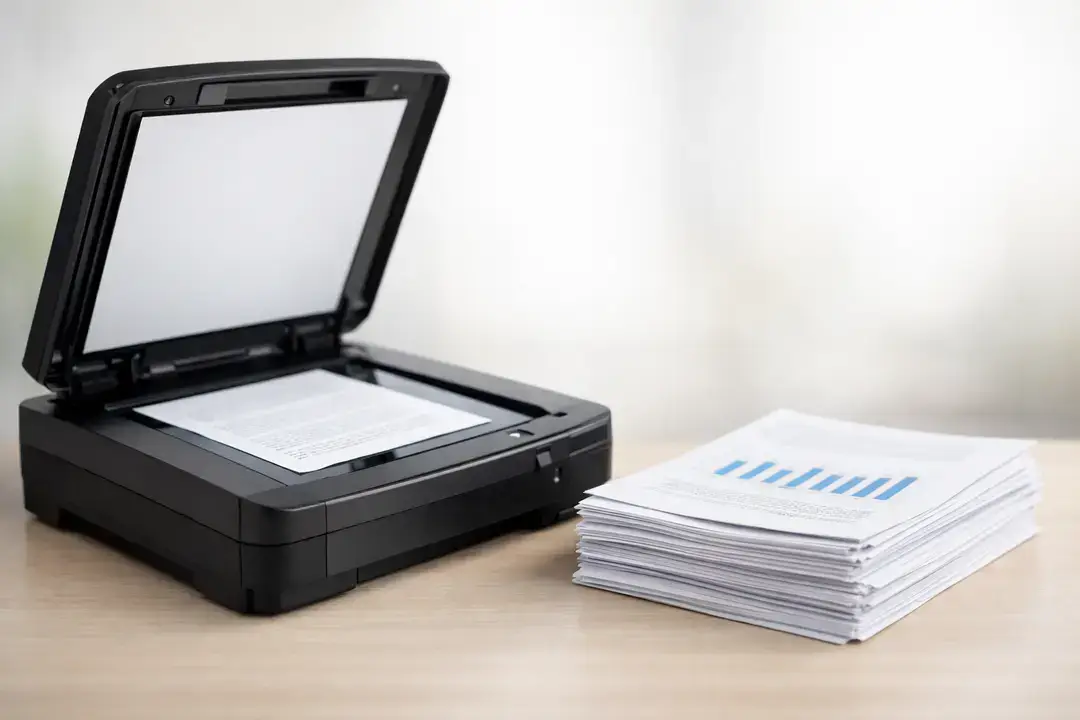
How To Scan a Document for Work, School, or Personal Use
Scanning documents has become a basic part of everyday productivity. Whether you’re submitting assignments, sharing contracts, or organizing personal records, knowing how to scan a document efficiently can save time and reduce frustration.
What used to require bulky equipment and technical know-how is now a streamlined process. With modern devices and software, anyone can quickly turn paper into clear, shareable digital files. Companies like PFU America have helped simplify this process by designing solutions that fit into real workflows without adding complexity.
Easy Setup for Any Device or Workflow
Getting started with document scanning is easier than most people expect. Today’s scanners are built for quick setup, whether you’re working from a home office, classroom, or corporate environment. Most devices connect via USB or Wi-Fi and integrate with common platforms like email, cloud storage, and document management systems.
A key factor in making scanning simple is choosing the right equipment. For users who regularly handle multi-page documents, a scanner with document feeder can make a big difference. Instead of placing each page manually, you can load a stack of papers and let the device handle the rest. This is especially useful for busy workflows where efficiency matters.
Once connected, the process typically involves selecting your destination, choosing file settings, and starting the scan. Many systems also allow you to create presets for recurring tasks. For example, you might set up one profile for high-resolution PDFs and another for quick email attachments. This reduces repetitive steps and keeps your workflow consistent.
Flexibility is another advantage. Whether you’re scanning a single page or a full document stack, modern scanners adapt to your needs. This makes them suitable for a wide range of uses, from academic work to professional documentation.
Smart Features That Save Time on Every Scan
Beyond basic functionality, today’s scanners include smart features designed to improve both speed and accuracy. Automatic image correction is one of the most valuable. It can straighten skewed pages, adjust brightness, and enhance text clarity without manual input.
Optical character recognition (OCR) is another powerful tool. It converts scanned images into editable and searchable text, making it easier to find and reuse information later. This is particularly helpful for students and professionals who need to reference documents quickly.
Batch scanning and automatic file naming further streamline the process. Instead of organizing files manually, the system can sort and label documents based on predefined rules. This keeps digital files organized from the start and reduces time spent on administrative tasks.
Efficiency doesn’t stop at the scanner itself. The tools you use alongside it also play a role. For example, using ergonomic keyboards with mechanical switches can make a noticeable difference during long sessions of data entry or document management. Comfort and responsiveness help maintain productivity over time.
A Simple Process That Scales With Your Needs
Learning how to scan documents effectively isn’t just about completing a single task. It’s about building a workflow that supports your daily responsibilities. As your needs grow, the right combination of hardware and software can scale with you.
For individuals, this might mean organizing personal files or digitizing important paperwork. For businesses, it can involve managing large volumes of documents with speed and accuracy. In both cases, modern scanning solutions make the process more accessible and efficient.
The key is simplicity. When scanning fits naturally into your routine, it becomes less of a chore and more of a reliable tool. With the right setup, you can capture, store, and share information with minimal effort, allowing you to focus on what matters most.
Further Reading