Building a Thriving Online Store with Shopify: A Step-by-Step Guide
Starting an online business is an exciting venture, and Shopify offers one of the most powerful platforms to help you succeed. Whether you’re launching a fresh idea or expanding your existing business, Shopify’s user-friendly tools and scalable solutions allow you building a website on Shopify that grows with you. This guide will walk you through every step to help you create a stunning, high-performing Shopify store.
Why Shopify is the Best Platform for Your E-Commerce Journey
Shopify has earned its reputation as a leader in the e-commerce space for several key reasons:
- Simplicity: No coding skills required to set up your store.
- Scalability: Shopify can handle everything from small product catalogs to large-scale operations.
- Customization: Tailor your store’s look and functionality to match your brand perfectly.
- Integrated Marketing Tools: Benefit from built-in SEO, email marketing, and social media integrations.
With these features, Shopify makes it easy to set up a professional store and start selling almost immediately.
Step 1: Creating Your Shopify Account and Setting Up Your Store
The first step in your Shopify journey is creating an account and configuring the basic settings of your store.
- Sign Up: Visit Shopify’s website and start your free trial by entering your email, choosing a store name, and creating a password.
- Choose a Plan: Pick from three pricing tiers – Basic, Shopify, or Advanced – based on your business needs.
- Store Configuration: Set your preferred currency, language, and shipping regions. This customization ensures your store speaks directly to your target market.
Step 2: Picking Your Domain Name for Maximum Impact
Your domain is your store’s digital identity. A good domain name is crucial for building trust and improving SEO. Here’s how to pick the perfect one:
- Keep It Short and Memorable: Opt for something easy to remember and type.
- Incorporate Keywords: Include relevant keywords to enhance your search engine ranking.
- Choose a Reputable Provider: Register your domain through Shopify, Google Domains, or another trusted registrar.
A strong domain name will make your store more professional and increase your visibility on search engines.
Step 3: Crafting an Eye-Catching Store Design
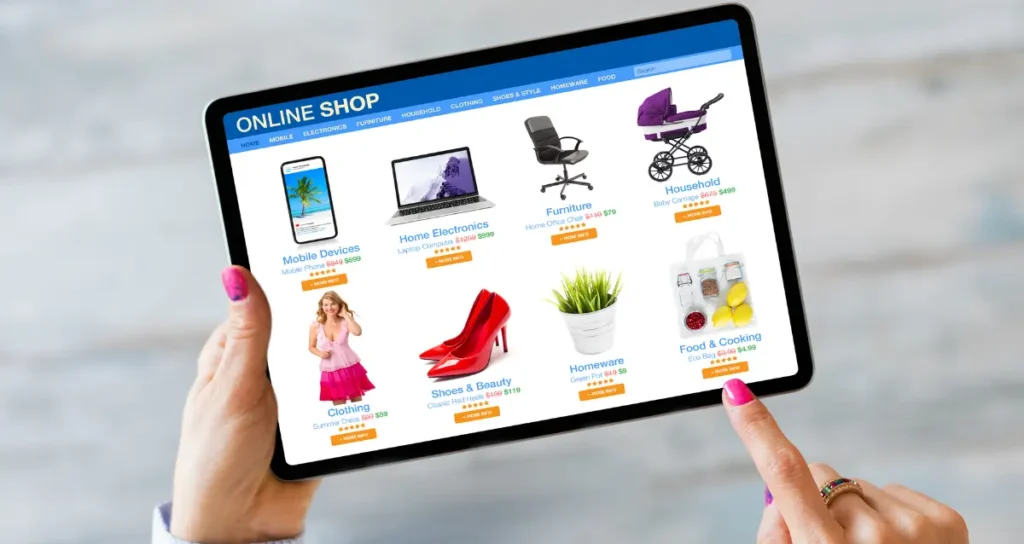
First impressions matter. Shopify offers a range of free and paid themes to help you design a store that appeals to your customers. Here’s what to focus on:
- Mobile Optimization: Choose a responsive theme to ensure your store looks great on any device.
- Brand Consistency: Use your brand’s colors, fonts, and logos to create a cohesive design that reflects your identity.
- User Experience: Keep your store clean and easy to navigate. A smooth experience keeps visitors engaged and boosts sales.
Step 4: Building Out Key Pages for a Professional Store
To create a successful e-commerce website, your store needs essential pages that guide users and build trust. These are some must-have pages:
- Homepage: A compelling first impression that highlights key products or promotions.
- Product Pages: Clear descriptions, high-quality images, and customer reviews to help shoppers make purchasing decisions.
- About Us: Share your brand’s story to establish a personal connection with customers.
- Contact Us: Provide multiple ways for customers to reach you.
- Legal Pages: Include Privacy Policy, Terms of Service, and Refund Policy to comply with regulations.
Step 5: Streamlining Checkout and Shipping
A smooth checkout and shipping process can make or break a sale. Shopify simplifies these aspects, ensuring customers have an easy and secure experience:
- Payment Options: Shopify Payments, PayPal, Stripe, and other gateways are available to offer flexibility.
- Shipping Setup: Shopify integrates with major carriers, allowing you to set up real-time shipping rates and streamline fulfillment.
Ensuring a seamless and fast checkout process will increase conversion rates and customer satisfaction.
Step 6: Marketing Your Shopify Store with Built-In Tools
Attracting visitors to your store is essential for growth. Shopify provides several marketing features that can boost your visibility and drive traffic:
- SEO Optimization: Easily optimize your store’s content, meta titles, and descriptions to rank better on Google.
- Email Marketing: Use Shopify’s email marketing tools to engage your customers and encourage repeat purchases.
- Social Media Integration: To expand your reach, link your store to Facebook, Instagram, and other social media platforms.
By leveraging these tools, you can effectively market your store and reach potential customers where they spend most of their time.
Step 7: Launching and Scaling Your Online Store
Once your store is ready, it’s time to launch. But the work doesn’t stop there – a successful store requires continuous optimization and marketing.
- Test Everything: Before going live, test your checkout process, payment options, and product pages to ensure everything works smoothly.
- Launch with a Bang: Announce your launch on social media, email newsletters, and other platforms to drive traffic.
- Track Performance: Use Shopify’s analytics to monitor how your store is performing and identify areas for improvement.
- Scale with Apps: As your business grows, you can integrate additional features from the Shopify App Store, such as inventory management, customer reviews, and advanced analytics.
The key to long-term success is to refine your store and marketing efforts continually.
Conclusion: Building a Successful E-Commerce Business with Shopify
Shopify is more than just an e-commerce platform; it’s a comprehensive tool for entrepreneurs who want to build and scale their online stores with ease. With its user-friendly design tools, marketing features, and scalability, Shopify is the perfect choice for anyone looking to enter the world of e-commerce.
By following this guide and leveraging Shopify’s robust features, you’ll be well on your way to creating a successful online store that can grow with your business. Whether you’re a small startup or an established brand, Shopify has the tools you need to succeed in the competitive online marketplace.
For even greater success, consider partnering with a Shopify Plus eCommerce agency to fine-tune your strategy and take your store to the next level.