Pokemon Explorer Gadget
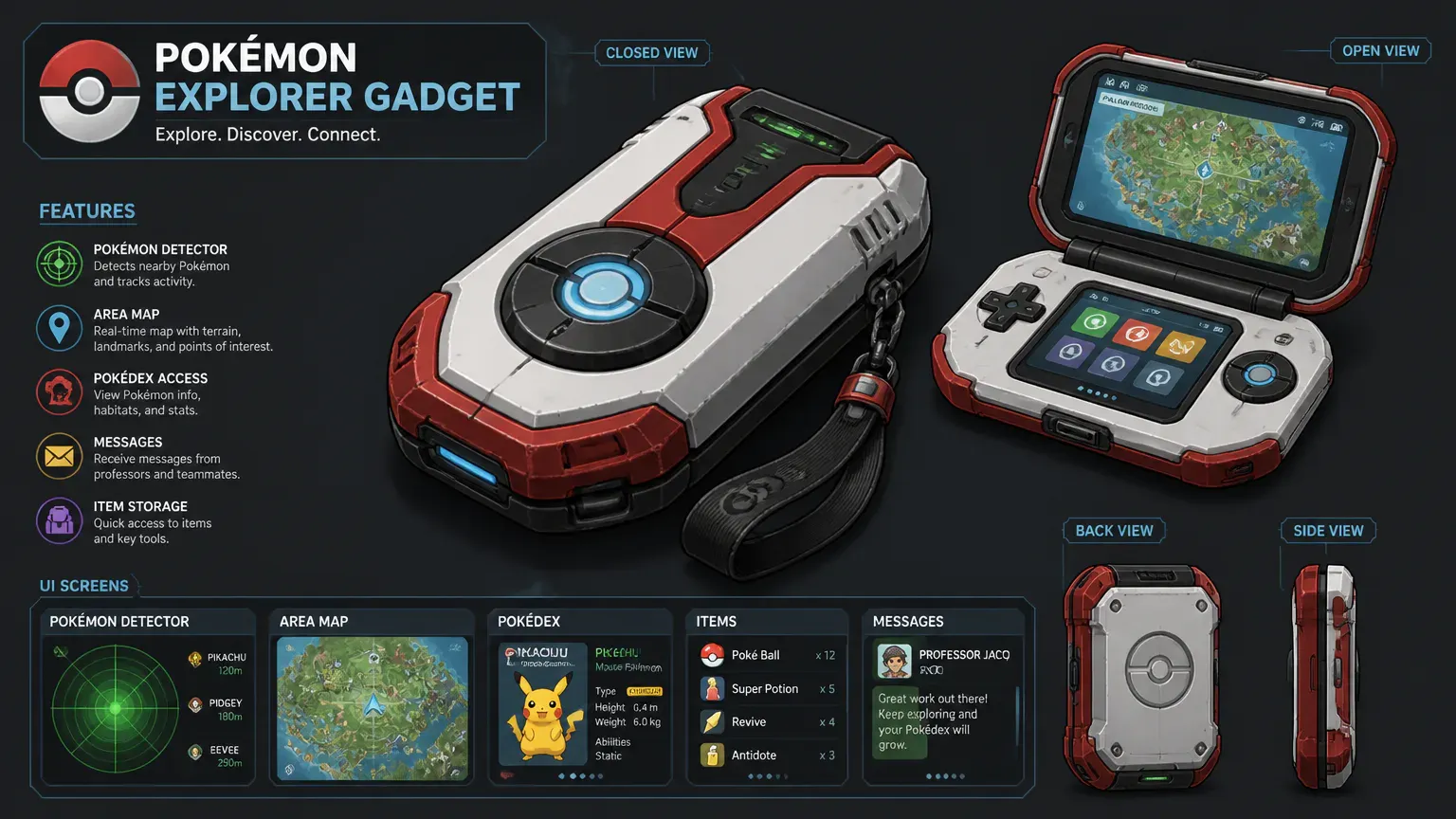
The Pokémon GO Explorer Gadget lets Pokémon GO interact with nearby Pokémon and PokéStops while the app runs in the background. It unlocks at Trainer level 20 and uses only standard Poké Balls for automatic catch attempts. Daily limits, available inventory space, and accessory compatibility also affect what it can do while you explore.
Explorer Gadget Features at a Glance
Feature | How it works |
|---|---|
Eligibility | Trainer level 20+ |
Access | Map View icon or Item Bag > Key Items |
Operation | Runs during exploration while the app is in the background |
Automatic actions | Attempts catches and spins nearby PokéStops |
Catch method | One catch attempt using a standard Poké Ball |
Catch restrictions | Great Balls, Ultra Balls, and Berries cannot be used |
Target eligibility | Some unregistered species are excluded |
Alternate forms | May target a form if another form of that species is registered |
Pokédex | Caught Pokémon register automatically |
Daily limits | Level-based daily limits; no numeric cap provided |
Inventory requirements | Poké Balls, Pokémon Storage space, and Item Bag space |
Controls and results | Activate, pause, resume, and review activity |
Accessory compatibility | Unavailable while another paired accessory is active |
External hardware | No external hardware required |
Availability | 2026 update announced; rollout schedule not provided |
How to Activate the Explorer Gadget
Once you reach Trainer level 20, open the Explorer Gadget from Map View or the Item Bag and activate it. You can pause or resume it from the same controls, without setting it up again. The gadget is intended to run while you explore with Pokémon GO in the background.
Open Pokémon GO and go to Map View.
Tap the Explorer Gadget icon, or open the Item Bag and select Key Items.
Open the Explorer Gadget controls and activate it.
Pause or resume it from those controls as needed.
The gadget handles automatic actions while you explore with your device on your person and the app in the background. Pause it through its controls whenever you want those actions to stop temporarily.
What the Gadget Catches and Spins
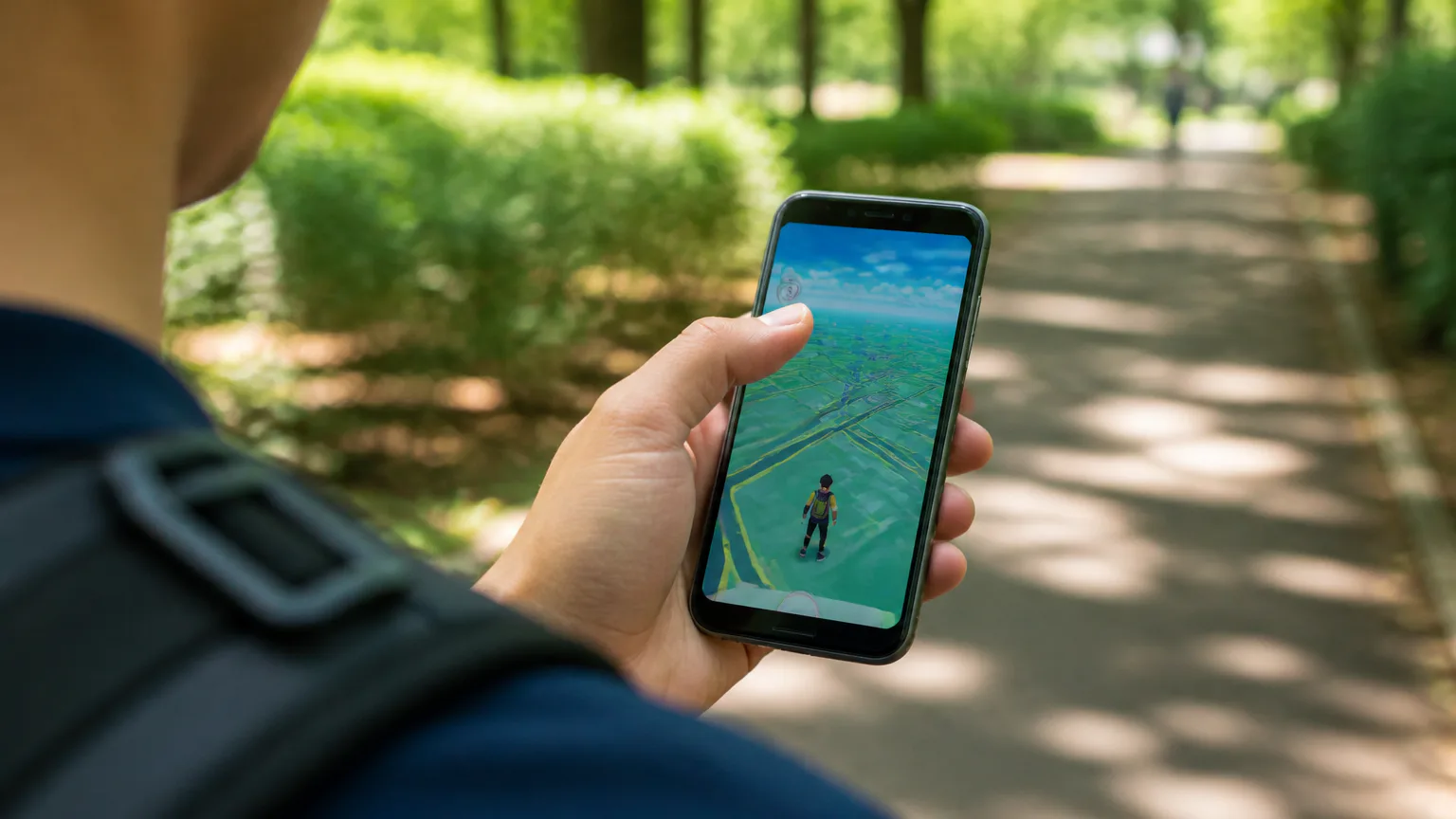
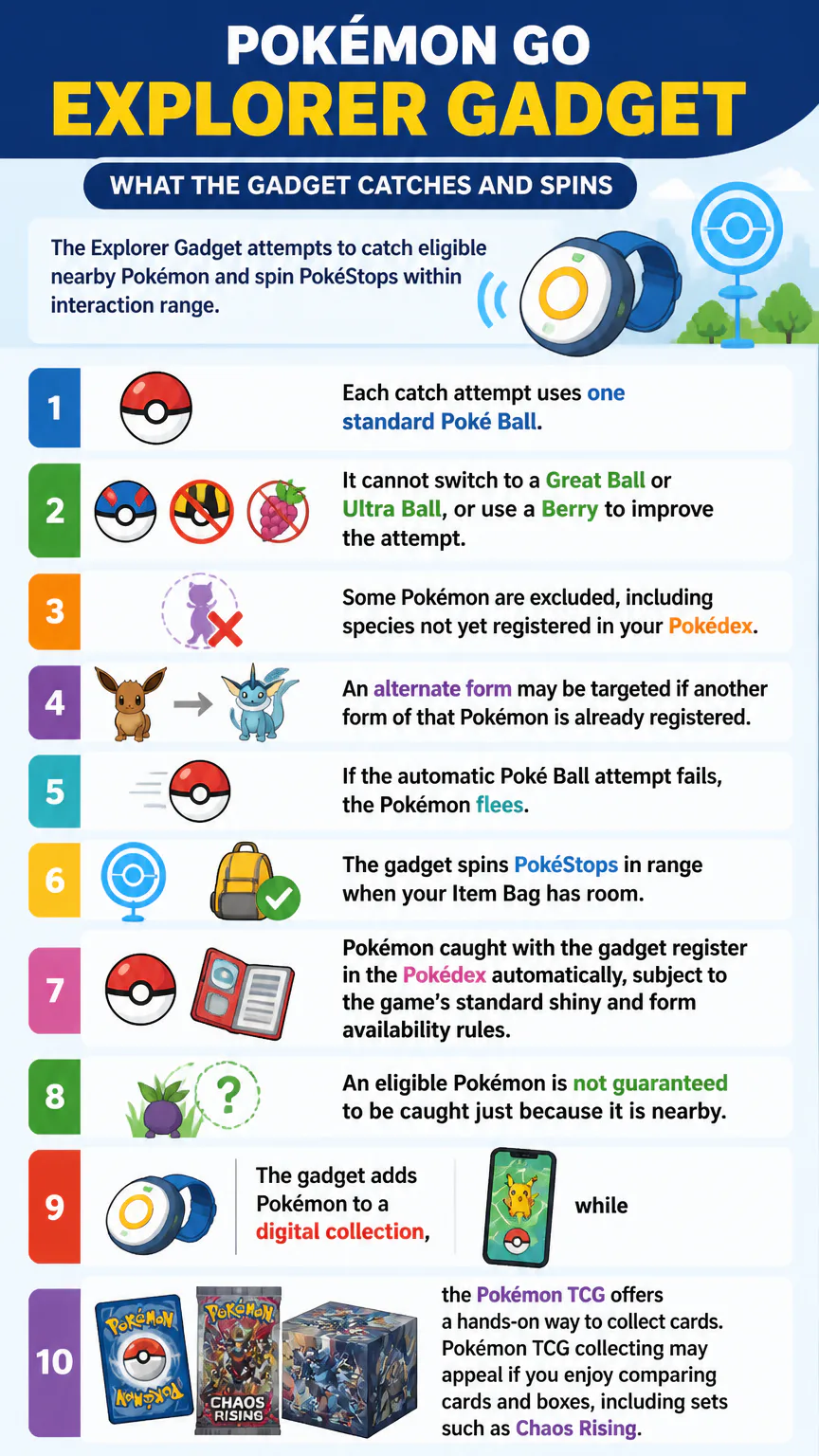
The Explorer Gadget attempts to catch eligible nearby Pokémon and spin PokéStops within interaction range. Each catch attempt uses one standard Poké Ball. It cannot switch to a Great Ball or Ultra Ball, or use a Berry to improve the attempt.
Some Pokémon are excluded, including species not yet registered in your Pokédex.
An alternate form may be targeted if another form of that Pokémon is already registered.
If the automatic Poké Ball attempt fails, the Pokémon flees.
The gadget spins PokéStops in range when your Item Bag has room.
Pokémon caught with the gadget register in the Pokédex automatically, subject to the game’s standard shiny and form availability rules. An eligible Pokémon is not guaranteed to be caught just because it is nearby.
The gadget adds Pokémon to a digital collection, while the Pokémon TCG offers a hands-on way to collect cards. Pokémon TCG collecting may appeal if you enjoy comparing cards and boxes, including sets such as Chaos Rising.
Daily Limits and Inventory Requirements
Catch and PokéStop-spin limits depend on Trainer level. The gadget stops the relevant actions once you reach the applicable daily limit, even if you keep exploring. It also needs the required items and enough free space in your Pokémon Storage and Item Bag.
Automatic catches stop when Pokémon Storage is full. PokéStop spinning stops when the Item Bag is full, and catch attempts require standard Poké Balls. Before a longer outing, check both storage spaces and bring Poké Balls if you want the gadget to keep working.
Using the Gadget With Accessories
The Explorer Gadget needs no external hardware, but it cannot run while another paired accessory is active. If you use a physical auto-catcher or spinner, choose which one to use before heading out; Pokémon GO does not operate both at the same time.
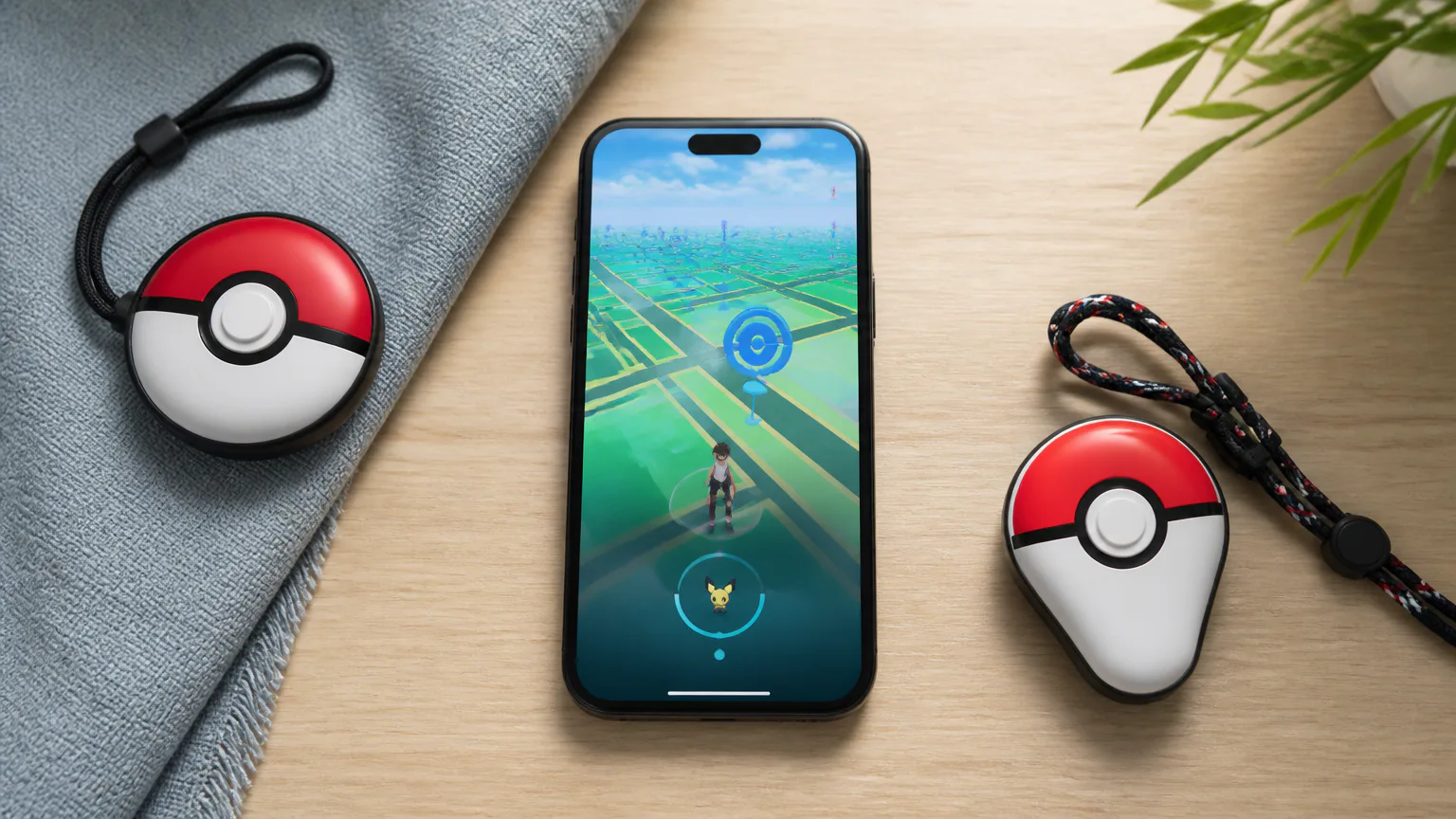
The Pokémon GO Plus+ is a physical accessory that can automatically catch Pokémon and spin PokéStops. The Poké Ball Plus is another Pokémon GO accessory associated with auto-catching. Neither is required for the built-in gadget, so you can use the Explorer Gadget without owning either device.
Checking Results and Failed Catches
The Explorer Gadget’s activity summary shows Pokémon caught and PokéStops spun. Check it after an outing for an overview of what the gadget completed while you were not actively using the app. It does not record every encounter or catch attempt.
The Journal records failed automatic catches, but you cannot recover an escaped Pokémon through it. Check the Journal to see why a nearby Pokémon may not appear among your catches, not to retry the encounter. Together, the activity summary and Journal show the gadget’s results and failed catches.
If the Explorer Gadget Is Missing
The Explorer Gadget is available to Trainers at level 20 or higher. If it does not appear on Map View, check Key Items in the Item Bag. The feature does not require a physical accessory, so a missing icon by itself does not mean you need to buy one.
A 2026 update has been announced, but no rollout schedule has been provided. Availability is being introduced in phases, so the feature may not appear everywhere at the same time. The access points remain Map View and Key Items in the Item Bag.
Use It Safely While Exploring
The gadget automates in-game actions, not attention to your surroundings. Keep your device secure while walking, and pause or stop to check the screen or cross streets. Never look at your phone while driving, or in places where phone use is unsafe or prohibited.
Nearby Pokémon and PokéStops may draw your attention to the screen, but the gadget does not change local safety rules. Follow signs and instructions in parks, transit areas, and private spaces. Keep your route and surroundings in view while you play.
Keep your phone handy while using a gaming gadget outdoors so you can navigate, communicate and check the app. If you rely on your phone while traveling, the OPPO Find X9 travel companion may also be useful.
Who the Explorer Gadget Suits
The built-in Explorer Gadget handles passive catches and PokéStop spins without a separate device. Its limits include standard-Poké-Ball-only catch attempts, exclusions for some Pokémon, and daily caps based on Trainer level. You cannot use Berries or choose a different ball for an automatic attempt.
While the gadget is active, it can continue these actions with Pokémon GO in the background, as long as you have the required items and enough inventory space. If you want to choose balls, use Berries, or manage individual encounters, pause the gadget and catch or spin manually in Pokémon GO.
Players who enjoy building a collection as they play may like the Explorer Gadget. That interest can carry beyond the game too: gaming collectibles let fans bring favorite worlds and characters into their everyday spaces.
FAQs
Does the Explorer Gadget cost anything?
No separate purchase or external device is required. A paired accessory cannot be active at the same time.
Does the Explorer Gadget track distance?
Pokémon GO tracks passive distance while the app is minimized, along with catches and PokéStop spins. The Explorer Gadget handles automatic catch and spin actions during background exploration.
Conclusion
Use the Explorer Gadget for basic catches and PokéStop spins while Pokémon GO runs in the background. Check your Trainer level, Poké Balls, and available storage before you head out. If you use a physical accessory, it cannot run alongside the built-in gadget.