Muse AI: Features, Access, Safety, Pricing & Limitations
Meta Muse AI can take actions across the web and connected apps, not just answer questions in a chat. It can save time on routine tasks, but may need access to personal accounts and ask to act on your behalf. If you’re in the U.S., consider which tasks you want to delegate, what permissions you’re comfortable granting, and whether the free or paid plan fits your needs.
Meta Muse AI at a Glance
Meta Muse AI area | Overview |
|---|---|
Product | Personal AI agent for multi-step tasks |
Owner | Meta Platforms, Inc. |
Model | Muse Spark |
Capabilities | Web browsing, connected-app workflows, purchases, images, documents, reminders, goal tracking |
Background work | Continues after the app closes; sends notifications when input or approval is needed |
Access | iOS, Android, Mac, muse.ai, WhatsApp |
Pricing | Free for most needs; paid subscriptions for higher usage |
Availability | Rolling out in the United States |
Computing environment | Muse Secure VM, an isolated cloud computer |
Internet oversight | Sentinel reviews internet access and can request permission |
Credential integration | 1Password supplies saved logins without revealing raw passwords to Muse |
User controls | Activity log, configurable permissions, connection controls, training opt-out |
What Muse can do
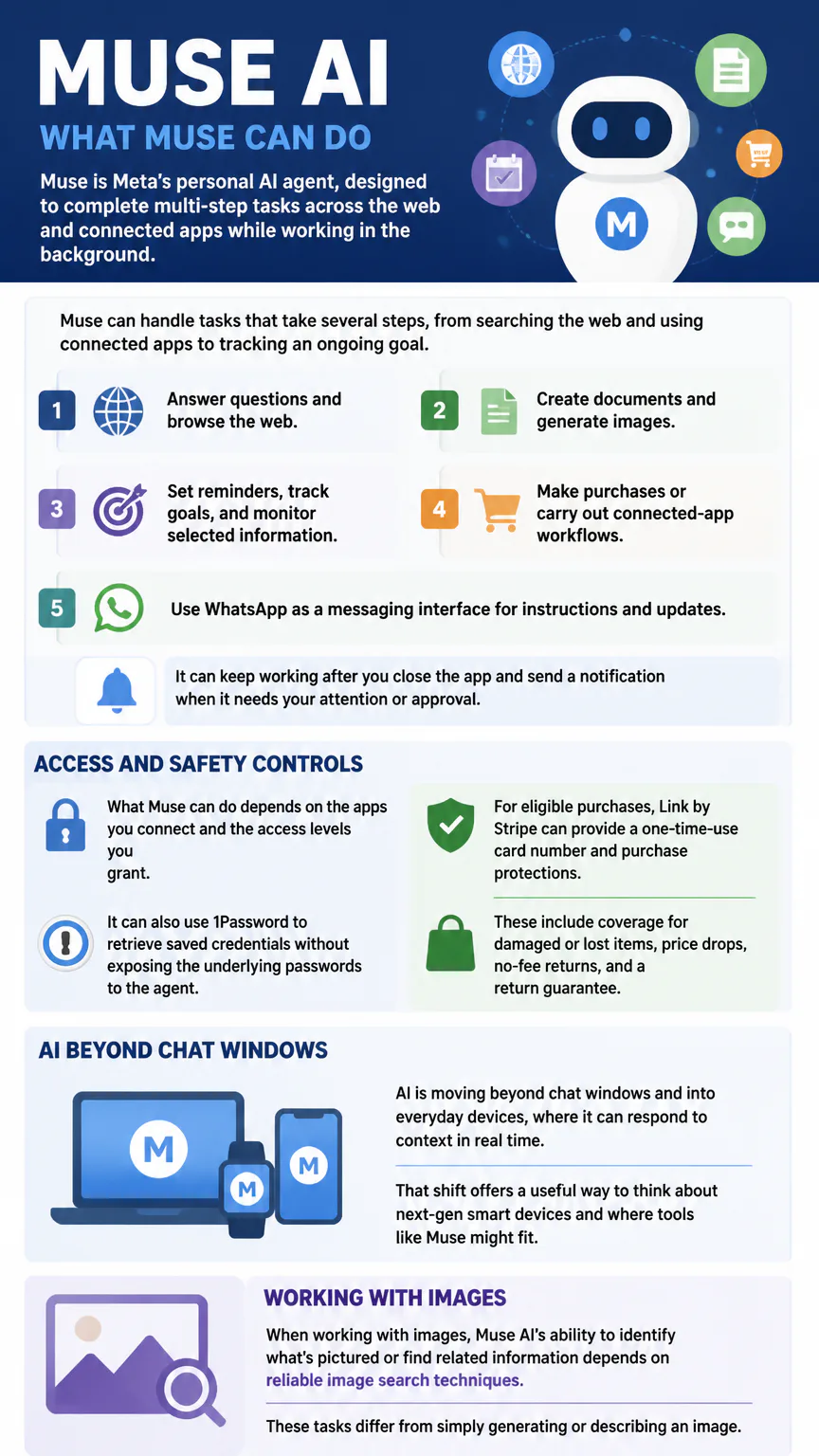
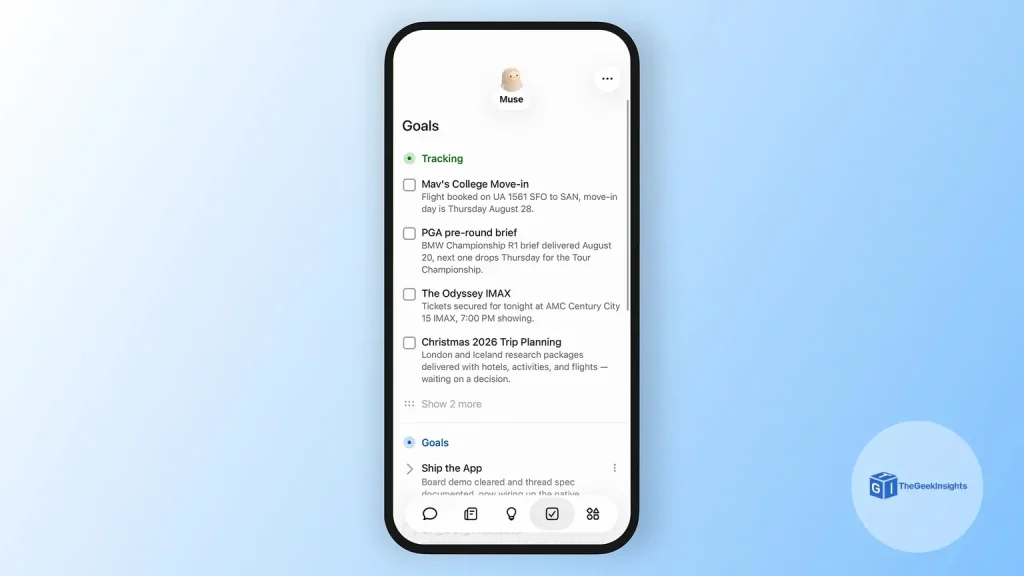
Muse can handle tasks that take several steps, from searching the web and using connected apps to tracking an ongoing goal. You could ask it to find a dinner reservation, prepare a document, or monitor selected information and report back. It can keep working after you close the app and send a notification when it needs your attention or approval.
Answer questions and browse the web.
Create documents and generate images.
Set reminders, track goals, and monitor selected information.
Make purchases or carry out connected-app workflows.
Use WhatsApp as a messaging interface for instructions and updates.
What Muse can do depends on the apps you connect and the access levels you grant. It can also use 1Password to retrieve saved credentials without exposing the underlying passwords to the agent. For eligible purchases, Link by Stripe can provide a one-time-use card number and purchase protections. These include coverage for damaged or lost items, price drops, no-fee returns, and a return guarantee.
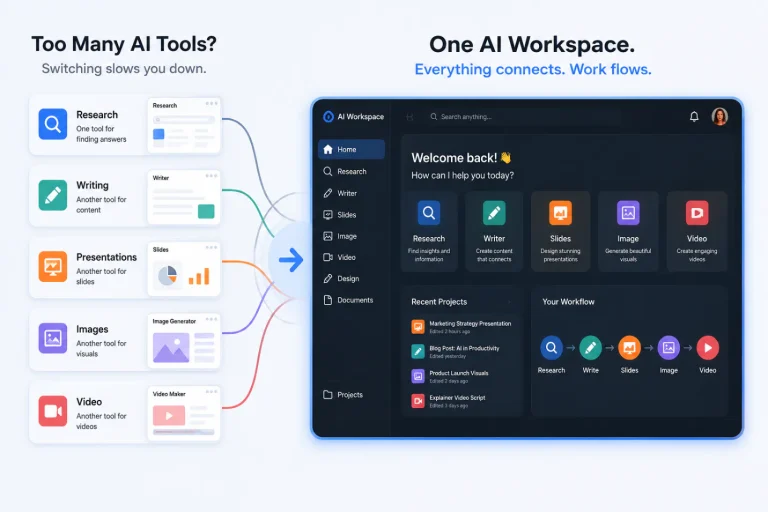
AI is moving beyond chat windows and into everyday devices, where it can respond to context in real time. That shift offers a useful way to think about next-gen smart devices and where tools like Muse might fit.
Working with images
When working with images, Muse AI’s ability to identify what’s pictured or find related information depends on reliable image search techniques. These tasks differ from simply generating or describing an image.

How Muse handles privacy and safety
Muse runs in Muse Secure VM, a dedicated, isolated cloud computer that holds the agent and connected data. A separate system-level agent, Sentinel, reviews internet access from that virtual machine and can request permission when access is needed. These systems add oversight, but they do not guarantee that every action or result will be correct.
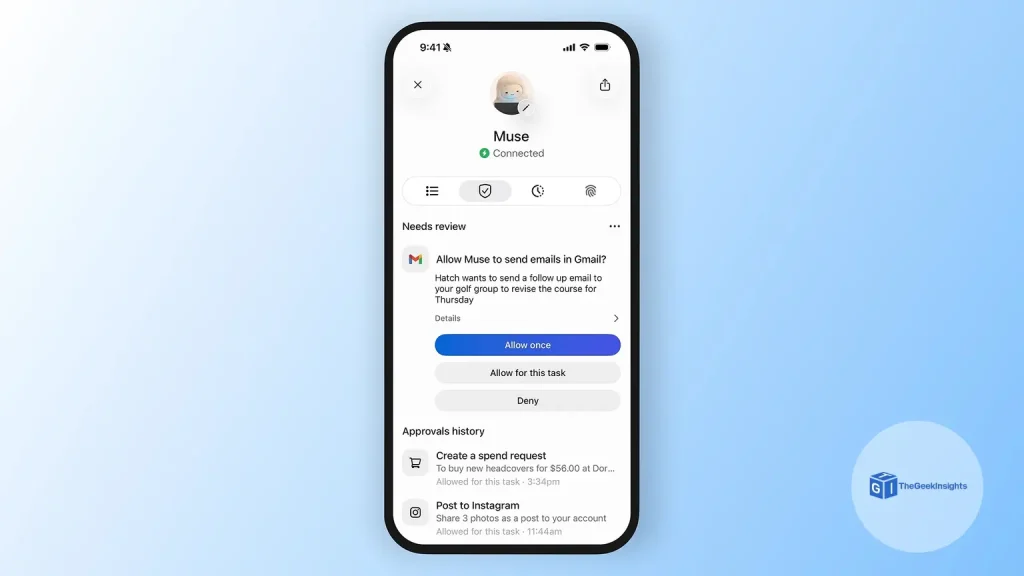
You can review an activity log, configure permissions, disconnect app connections, and ask Muse to forget specific learned details. Muse may ask for approval before sensitive actions, such as sending a message, making a purchase, or sharing information. You can also opt out of having your interactions used to train Meta AI models.
Connect accounts selectively. Each connection gives Muse a way to work with information in that account, so check the permissions and remove connections you no longer need. For consequential tasks, review the proposed action and the completed work. Don’t assume an approval prompt will catch every mistake.
Muse pricing and availability
Muse is free for most needs, with paid subscriptions available for higher usage.
Muse is rolling out in the U.S. on iOS, Android, and muse.ai, Meta’s web destination for opening agent spaces and viewing progress. It is also available on Mac, and WhatsApp provides a messaging interface. Use the official app or website rather than an unofficial “Muse AI APK,” which could expose your account credentials or personal data.
To get started, sign in through Muse’s official website or app and complete onboarding. Connect only the apps you need for your first task, set their access levels, and check the activity log while Muse works. A paid subscription may suit you if the free usage limits don’t cover your workload.
Where Muse may fall short
Muse can make mistakes or take an unexpected action, so review its work before it sends information, spends money, or changes an account. Background work means Muse may continue a task after you close the app. Notifications and approval requests keep you involved, but you’ll still need to monitor tasks that matter.
Accuracy: Web results, summaries, and generated documents can contain errors.
Permissions: Connecting more accounts gives the agent more ability to act on personal information.
Usage limits: Paid subscriptions are available for higher usage.
Oversight: Review the activity log and revoke app access when you no longer need it.
Muse compared with ChatGPT
Muse focuses on delegating multi-step tasks to a personal agent that can browse the web and use connected apps. ChatGPT also supports browsing and agent-like tasks, so the difference isn’t simply that one can act while the other can only chat. Muse connects to Meta’s ecosystem and runs tasks in Muse Secure VM. Which assistant suits you depends on the services and workflows you need.
Compare the apps each assistant can connect to, the permissions a task requires, and the approval controls available before it takes action. Neither system is error-proof, even if its chat interface feels familiar. Keep a person involved in purchases, messages, and changes that would be difficult to reverse.
How to use Muse if you are not in USA
I heard Muse is better than ChatGPT and Claude. And it is giving 1 Billion free tokens right now.
- Download Veepn Extension in chrome and connect it to US Oregon state
- Join Muse Al: https://muse.ai/join
- Create your account
- Go to Settings
- Tap Redeem / Claim
- Enter code: 01DZBK
Redeem it within 48 hours of joining.
FAQs
How can I get 1 billion tokens for free?
After creating the Muse account. Go to settings and use Redeem code: 01DZBK to get 1 billion tokens for free, with in 48 hours after creating the account.
A billion tokens doesn’t necessarily mean a billion free answers. Tokens measure text processed, and platforms count and use them differently. Knowing how customizable tokens work puts claims about free token access in context.
Is Muse an AI video generator?
Muse can generate images and create documents. It does not offer a dedicated AI video-generation feature.
Who owns Muse AI?
Meta Platforms, Inc. develops Muse.
Conclusion
Muse is worth considering for routine digital tasks that involve web access, connected apps, or background work. Start with limited permissions and review its actions, especially when a task involves private information or money.