Twitter Rate Limit Exceeded: What IT Means and Fixes
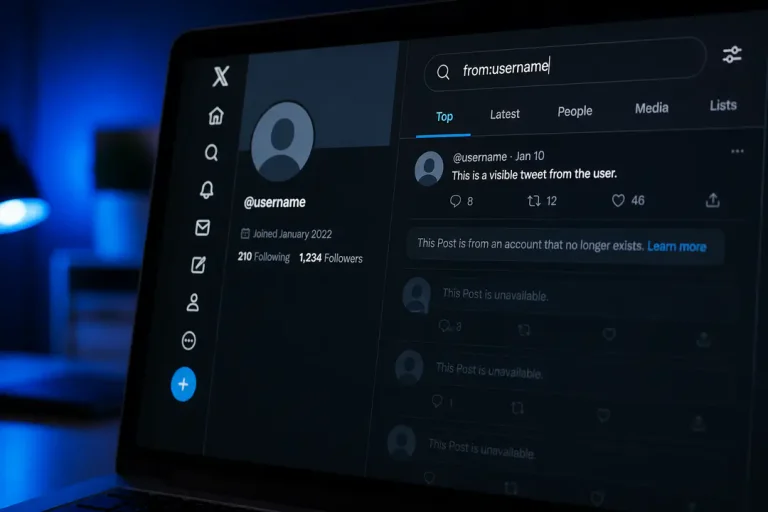
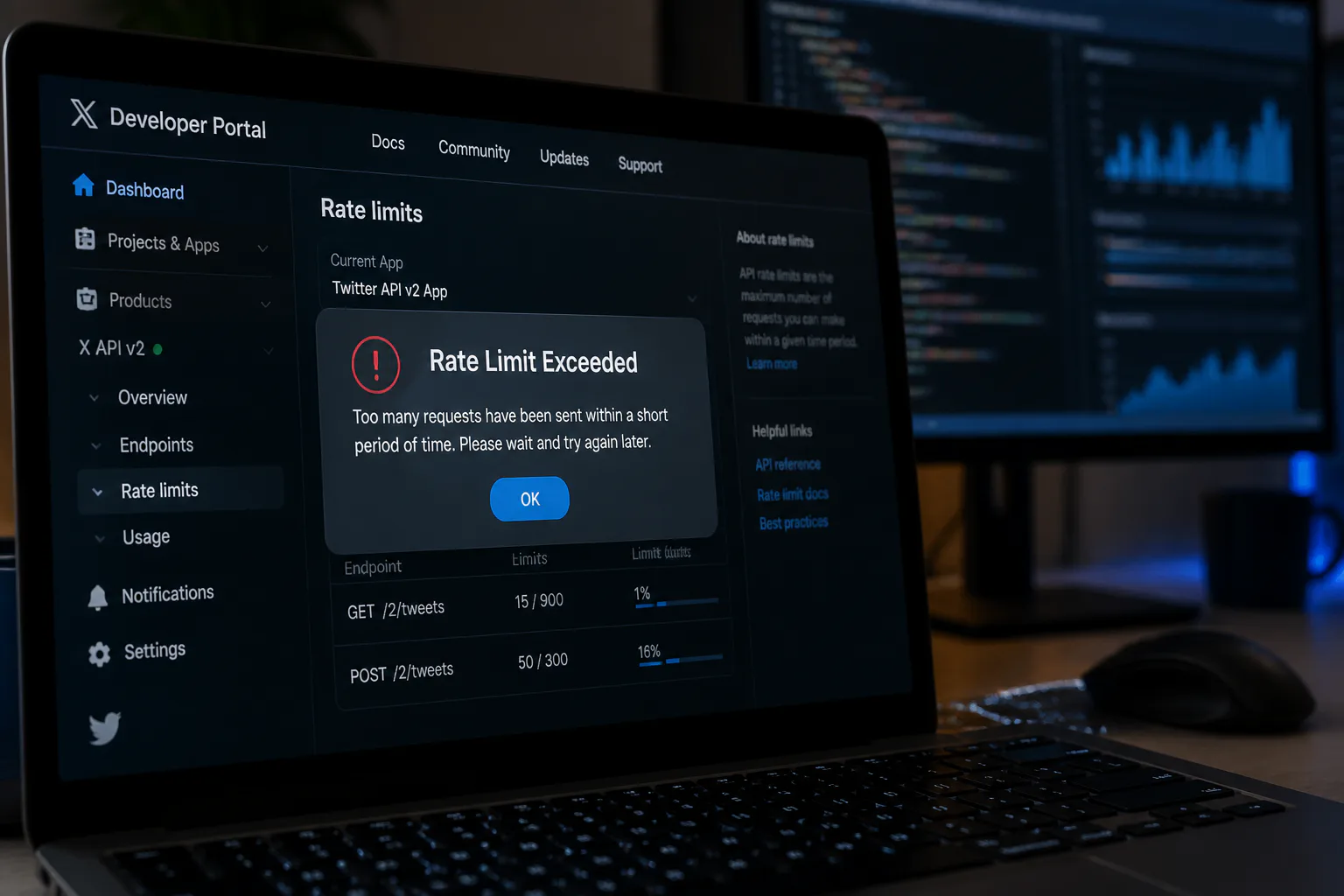
The twitter rate limit exceeded error means Twitter has temporarily blocked more actions or requests because an account, app, or connection crossed an allowed usage cap. That cap exists to control spam, abuse, and system strain. For regular users, it can appear while browsing, posting, following, or refreshing too often. For developers, it usually appears after too many API requests within a set time window.
In simple terms, Twitter rate limiting is a traffic-control system. It does not always mean your account is banned or broken. It usually means you need to wait for the limit window to reset, reduce request volume, or change how you access Twitter.
What is the Twitter Rate Limit?
What the limit actually means
Twitter rate limits are rules that restrict how often you can perform certain actions over a defined period. Those actions can include reading posts, posting content, following accounts, refreshing timelines, or calling API endpoints. When you cross one of those limits, Twitter responds by slowing you down or returning a rate limit error.
Twitter uses these limits to protect the platform from automated abuse, keep service stable, and make sure one user or application does not consume a disproportionate amount of capacity. This applies whether the traffic comes from a person tapping refresh in the app or a script sending repeated API requests.
Why users see this error
For everyday users, the error often appears after unusually high activity in a short span. That can include rapidly loading feeds, switching between accounts, mass following, posting repeatedly, or using third-party software connected to Twitter. A weak or shared network can also contribute if many actions appear to come from the same IP address.
Sometimes the message is temporary and clears after a short wait. In other cases, Twitter may restrict specific actions while still letting you read some parts of the platform. If your account behavior looks automated, the platform may apply stricter limits until activity returns to normal.
How API limits differ
For developers, rate limits are more structured. Twitter applies request caps to specific API endpoints, and those caps reset on fixed windows. A developer might be able to call one endpoint many times in a period but hit a stricter limit on another endpoint much faster.
- One feature in an app can keep working while another fails with a rate limit response.
- The issue is not always the entire application.
- It is often a single endpoint, token, or authentication method reaching its allowed ceiling.
UI limits versus account limits
- Twitter separates limits by context.
- Some limits are tied to account actions, such as posting or following.
- Others are tied to device patterns, browser sessions, or IP activity.
- A person using the web interface can hit a practical usage cap even if they are not using the API at all.
If a user interface action is blocked, waiting and reducing activity often helps. If an API limit is the issue, the correct response is usually pacing requests, checking headers, and handling reset times properly.
What to do first
- Before assuming something is wrong with your account, stop repeating the same action.
- Constant retries often make the lockout last longer because every retry counts as more activity.
- If you are troubleshooting broader software behavior, staying current with software updates is a useful habit because outdated apps often handle request pacing poorly.
- Wait for the reset window instead of refreshing nonstop.
- Close extra tabs or apps using the same Twitter account.
- Pause any connected tools that fetch timelines or mentions repeatedly.
- Sign out and back in only if the error persists after the wait.
- If you use the API, log request counts and reset times.
Common Causes of the ‘Rate Limit Exceeded’ Error
User-side triggers
- Refreshing feeds, search results, or profiles too frequently.
- Posting, replying, liking, or reposting in quick bursts.
- Following or unfollowing large numbers of accounts in a short period.
- Running several Twitter sessions across devices and browsers at once.
- Using shared Wi-Fi or VPNs where many users generate similar traffic.
Developer-side triggers
- Sending too many API requests within one rate window.
- Polling endpoints too often instead of caching results.
- Ignoring response headers that show remaining requests and reset time.
- Retrying failed requests immediately without backoff.
- Using one token for heavy traffic across many app users.
Behavior that looks automated
Twitter is designed to detect patterns that resemble bots, even if a human is behind the account. Fast repetitive actions, identical posting intervals, or bursts from one network can all raise flags. That overlap can affect how you respond because rate limiting and anti-abuse systems often work together, much like platforms that restrict suspicious sign-up behavior such as a phone number is banned warning on other social services.
Differences Between API and User Interface Rate Limits
Two systems, different impact
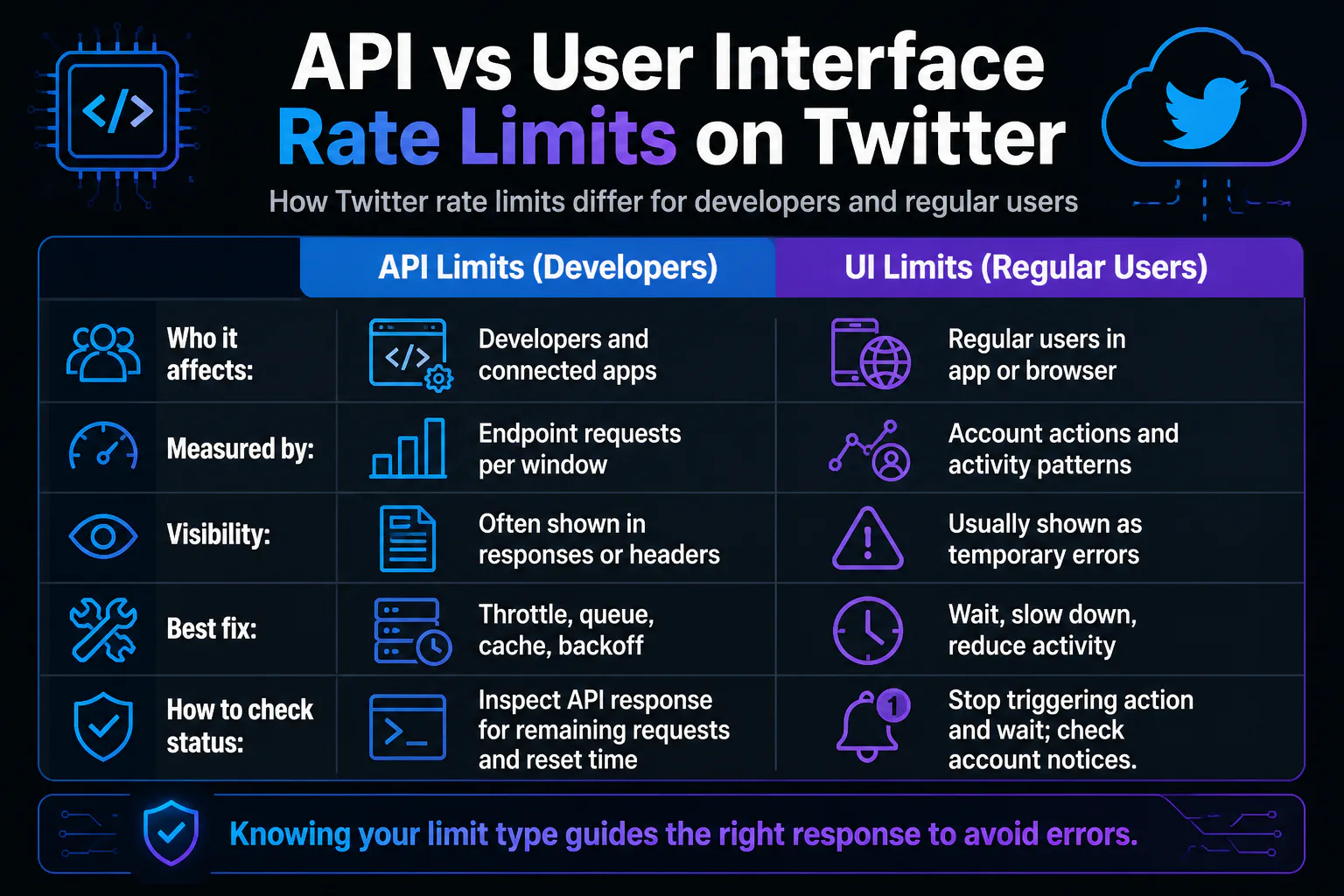
API limits control how software talks to Twitter programmatically. They are measured in requests to specific endpoints over set time windows, and developers can usually inspect remaining quota through the API response. User interface limits, by contrast, affect what people can do in the app or browser, such as read, post, refresh, follow, or message at high volume.
- The biggest practical difference is visibility.
- API users often get a clear response showing they hit a limit and when it resets.
- Regular users often just see a temporary error, reduced functionality, or prompts to slow down.
Why that distinction matters
If you are a developer, queue requests, cache data, batch operations, and respect reset windows. If you are a regular user, slow down, reduce repetitive actions, and disconnect services that over-query your account.
Even advanced software can run into this problem if it scales poorly. Teams planning large-volume systems often evaluate high load AI dev approaches for traffic handling, because request pacing and resilience matter long before an app becomes huge.
| Area | API Limits | UI Limits |
|---|---|---|
| Who it affects | Developers and connected apps | Regular users in app or browser |
| Measured by | Endpoint requests per window | Account actions and activity patterns |
| Visibility | Often shown in responses or headers | Usually shown as temporary errors |
| Best fix | Throttle, queue, cache, backoff | Wait, slow down, reduce activity |
How to Check Your Current Rate Limit Status
For regular users
- Stop the action that triggered the warning, such as refreshing or posting repeatedly.
- Wait a while and try a normal action again, like loading your home feed once.
- Check whether the problem appears on one device only or across all logged-in sessions.
- Disconnect or pause any tools connected to your Twitter account that may be making frequent requests.
- If the issue continues, review account notices from Twitter in case another restriction is involved.
For developers
- Inspect the API response for rate limit details, including remaining requests and reset time.
- Log the endpoint that failed so you know whether the problem is global or isolated.
- Track usage by authentication method, token, and user so one source does not hide another.
- Implement waiting logic based on reset timing instead of immediate retries.
- Review which requests can be cached, combined, or reduced.
If your monitoring is weak, rate-limit errors can look random when they are actually predictable. Good logs turn the issue from guesswork into scheduling.
Avoid or Resolve the Error
Practical fixes for users
- Wait for the temporary limit to reset before trying again.
- Avoid rapid-fire liking, posting, following, or refreshing.
- Close extra sessions and remove unused connected apps.
- Do not keep tapping retry after every failed attempt.
- Use a stable connection and avoid switching networks repeatedly during the error.
Practical fixes for developers
- Use exponential backoff after a rate limit response.
- Cache data that does not need constant re-fetching.
- Batch reads and writes where the API allows it.
- Spread heavy workloads across time instead of running large bursts.
- Monitor endpoint-level consumption so one feature does not drain all available requests.
What not to do
Do not try to brute-force past the limit. Repeated retries, account switching, or constant reconnect attempts can extend the problem and make activity look more suspicious. The fastest path back is almost always patience plus lower request volume.
FAQs
How long does a Twitter rate limit last?
It lasts until the relevant limit window resets. The duration depends on the action or API endpoint that triggered the restriction.
Does rate limit exceeded mean my account is banned?
No. It usually means your activity crossed a temporary usage cap, not that your account was permanently banned.
Can normal users hit Twitter rate limits without using the API?
Yes. Frequent refreshing, mass actions, and unusually heavy account activity in the app or browser can trigger limits.
What is the best fix for developers?
The best fix is to respect reset windows, reduce unnecessary calls, cache repeated data, and add backoff logic after limit responses.
Conclusion
Twitter rate limits make more sense once you identify whether the restriction comes from normal account activity or API usage, because that tells you whether to wait, slow down, or change how requests are handled.