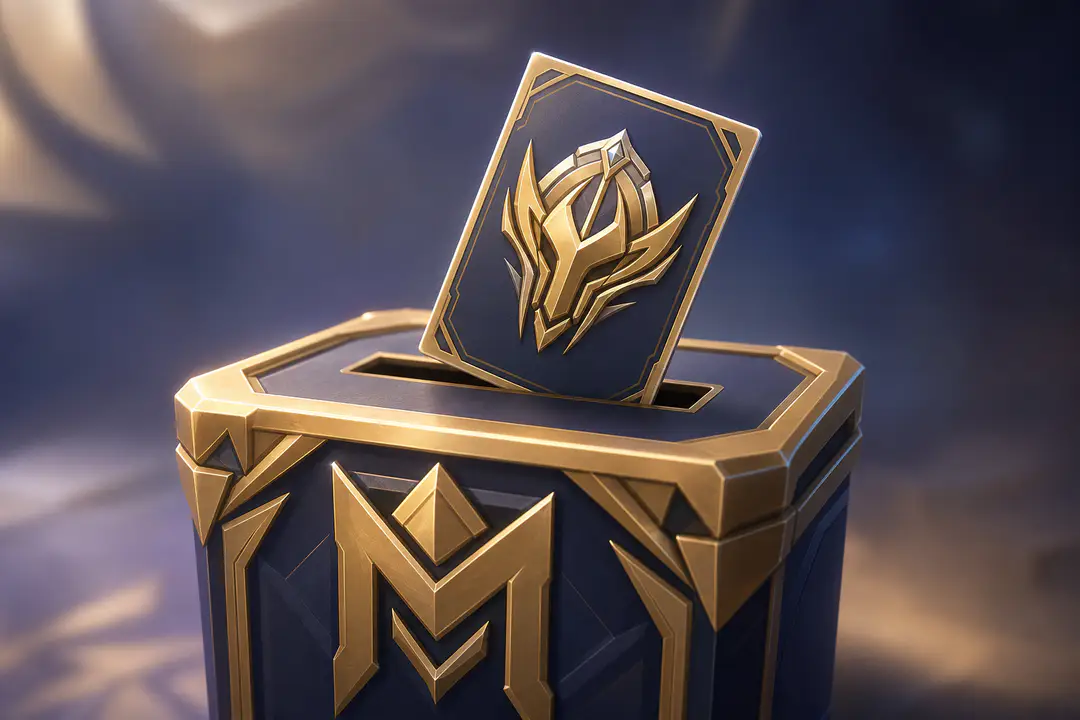
How to Vote in Mobile Legends M8 Skin Poll
The M8 skin poll is now live in MLBB, and voting only works if you have the required event item: the M Championship Valorous Spirit item. If you want to vote for your favorite hero, this in-game voting event is the place to do it, especially now that the M8 skin final voting is active and names like Gusion and Freya are part of the discussion. The process is simple once you know where the poll sits in the event menu and what currency it uses. You only need your Mobile Legends: Bang Bang account, access to the current event tab, and enough in-game event currency to submit your vote.
What Is the M8 Skin Poll?
The M8 skin poll is an in-game voting event in Mobile Legends: Bang Bang that lets players choose which hero should receive the M8 skin. You are not voting with regular Battle Points or Diamonds in this event. The poll uses a separate item, so opening the event without that item often causes confusion.
The key thing to remember is simple: the M Championship Valorous Spirit item is the currency used to cast votes in the M8 vote poll. Social posts around the event also show that the final voting is live, with Gusion and Freya mentioned among the heroes in the last-stage conversation. If you have been seeing M8 skin vote update posts on TikTok, Reddit, Facebook, or YouTube, those updates are referring to this same in-game event.
Quick Overview
- Open MLBB and go to the current Mobile Legends event section.
- Find the M8 skin poll or M8 skin final voting page.
- Check how many M Championship Valorous Spirit items you have.
- Select the hero you want to support.
- Use the item to submit your vote and confirm it.
What You Need Before Voting
Before you try to vote, make sure you have the event basics ready. Most problems come from opening the right menu but missing the required item, not from the voting page itself.
- An active Mobile Legends: Bang Bang account
- The latest in-game event page available in MLBB
- At least one M Championship Valorous Spirit item
- A clear choice of which hero you want to support in the hero voting
If you are still getting used to event menus and account-related issues in MLBB, it also helps to know how account penalties work. If that ever becomes relevant, this article on appealing a ban covers the basic process.
Step 1: Open the Event Menu
Start by launching MLBB and heading to the main lobby. From there, open the event section where limited-time championship activities are listed. The M8 skin poll is available in-game, so you do not need an outside website or a social platform to cast your vote. Social media posts can point you to vote updates, but the actual action happens inside the game.
This step matters because many players search for the M8 vote poll through TikTok clips, Reddit threads, Facebook posts, or YouTube videos and assume the vote happens there. It does not. Those platforms are useful for M8 skin ranking chatter and community reactions, but your vote only counts through the official in-game voting page.
Common mistakes here include tapping general championship banners that lead to news pages instead of the active poll, or stopping after seeing promotional panels without entering the specific voting tab. If the event page looks crowded, scan for wording tied to M8 skin poll, hero voting, or final voting.
As a useful shortcut, check other MLBB event pages while you are there. If you also follow free item events, these Mobile Legends redeem codes can help you keep up with separate promotions.
Step 2: Find the M8 Poll Page
Once you are inside the event hub, locate the section for the M8 skin poll. In most cases, the page title or banner makes it clear that this is the voting area, especially if the final stage is already active. Tap into that page and wait for the hero list or finalist matchup to load. If the final round is live on your server build, you should see the current M8 skin final voting interface rather than an earlier bracket view.
This step matters because some event tabs in MLBB are informational and do not let you interact. You need the page where the hero portraits, vote counts, or support buttons appear. If you only see event text and no voting button, back out one level and check nearby tabs again.
A common mistake is confusing M8 vote update content with the actual voting screen. Community posts often mention who is leading, with Gusion and Freya showing up often in discussion, but that does not mean the ranking shown on social media matches your live in-game page at that exact moment.
It helps to take a screenshot once you reach the correct tab so you can return quickly later. That also helps if you want to compare any later M8 skin ranking shifts you notice during the event.
Step 3: Check Your Valorous Spirit Items
Before pressing the vote button, look for your available M Championship Valorous Spirit item count. This item is the in-game event currency used to cast votes. If you have zero, the vote button may stay inactive or prompt you to get more through the event flow.
This is the step that causes the most confusion. Players often ask why they can see the poll but cannot vote, and the answer is usually that they do not have the right item yet. Regular currencies in Mobile Legends: Bang Bang do not replace it. The M Championship Valorous Spirit item is the specific requirement for this event.
Avoid spending items too quickly if you are still deciding between finalists. If your choice comes down to heroes getting the most attention in the final round, such as Gusion or Freya, pause and review the current poll page first. Once the item is used, it counts toward the hero you selected.
- Open the voting screen and check your current item total.
- Confirm that the item shown is the M Championship Valorous Spirit item.
- Do not confuse it with standard MLBB currencies.
- Make sure you are on the final voting page before spending it.
If you follow roster trends before deciding who to support, a broad look at the MLBB hero roster can help put popularity talk in context.
Step 4: Select the Hero to Support
Now choose the hero you want to back in the M8 skin poll. Tap the hero portrait or support button beside the hero name, then review the confirmation prompt before submitting. This is where the event becomes straightforward: pick your hero, spend the required item, and lock in your vote.
This step matters because hero voting can move fast once final voting opens. If you are following M8 skin vote update posts, you may already have a favorite or be reacting to the latest M8 skin ranking. Gusion and Freya are two names that have been tied to the final-vote conversation, so double-check which side you want to support before confirming.
The biggest mistake is rushing through the confirmation window and tapping the wrong hero. Another common issue is assuming you can undo the vote after spending the event item. Treat each vote as final unless the in-game page clearly says otherwise.
If you are undecided, wait until you have read the current in-game totals on the poll page. Social clips often lag behind the live event, and the in-game numbers are the ones that matter when you vote for your favorite hero.
Step 5: Confirm the Vote and Track Updates
After selecting your hero, confirm the action and make sure the system deducts the M Championship Valorous Spirit item from your total. A successful vote should update the screen in some visible way, such as changing your item count, refreshing support numbers, or showing a confirmation message. Stay on the page for a moment so you can verify that your vote went through.
This final step matters because players sometimes leave immediately and then wonder whether the vote registered. If your item count changed and the interface confirmed the action, your in-game voting is complete. At that point, all that is left is to watch the M8 skin vote update and see how the ranking shifts.
Do not rely on one social post for the current standings. TikTok, Reddit, Facebook, and YouTube are useful for community reaction, but the live event page in MLBB is the best place to check the latest M8 skin ranking. If the finals are close, those standings can change quickly during the event window.
- Confirm that your item count decreased after voting.
- Refresh or reopen the page if the result does not appear right away.
- Check the in-game page again later for updated rankings.
Current Vote Updates
The main update players need to know is that the M8 skin poll is already available in-game, and the M8 skin final voting is live. Gusion and Freya are two of the names attached to the final-vote conversation, which is why many M8 vote poll posts are centered on them. Community chatter across TikTok, Reddit, Facebook, and YouTube can help you spot momentum shifts, but the in-game page is still the cleanest source for the active standings.
| What to check | What it tells you |
|---|---|
| M8 poll page in MLBB | Whether voting is live on your account |
| Valorous Spirit item count | Whether you can cast a vote right now |
| Final voting screen | Which heroes are still in contention |
| Community posts | How players are reacting to the latest ranking |
Troubleshooting Common Issues
Fix a missing vote button
If you can open the event but do not see a vote option, you are likely on the wrong tab. Go back to the main event menu and look for the specific M8 skin poll or final voting section, not a general news banner.
Fix zero available votes
If the poll page opens but you cannot submit anything, check your M Championship Valorous Spirit item total. The event uses that item as its in-game event currency, so having none means you cannot cast a vote.
Fix ranking confusion
If social media shows one leader and your game shows another, trust the in-game page. M8 skin vote update posts can lag behind the live event screen, especially when the final race is close.
FAQs
Where do I vote in the M8 skin poll?
You vote inside MLBB through the event menu. The M8 skin poll is an in-game voting event, not a poll hosted on social media.
What item do I need to vote?
You need the M Championship Valorous Spirit item. That item works as the event currency used to cast votes.
Can I vote with Diamonds or Battle Points?
No. The poll uses the M Championship Valorous Spirit item, not standard currencies.
Is the M8 skin final voting live?
Yes. The final voting is live, and Gusion and Freya are among the heroes mentioned in final-vote discussion.
Can I use TikTok, Reddit, Facebook, or YouTube to vote?
No. Those platforms are useful for M8 skin vote update posts and community opinions, but the actual vote must be submitted in-game in MLBB.
How do I know if my vote counted?
Check for a confirmation message, a changed item total, or refreshed poll numbers after submitting. If needed, reopen the event page and verify the update there.
Next Steps
You now know how to open the M8 skin poll, check your M Championship Valorous Spirit item count, and cast your vote in MLBB without guessing. The smartest move after voting is to keep an eye on the live event page instead of relying on reposted ranking screenshots. If the final stays tight between major names like Gusion and Freya, checking the in-game standings regularly gives you the clearest view of where the M8 skin race is heading.