How to See Votes in Mobile Legends M8 Skin Poll
The hardest part about checking the M8 skin poll in Mobile Legends is that players often expect a live public tally when the game event page does not always show one. In practice, whether you can see votes depends on where MOONTON places the poll, whether the event is active in your region, and whether the interface shows rankings, percentages, or only the final result. If you are trying to confirm how to see votes in mobile legends m8 skin poll, the key is knowing which in-game menus to inspect first, what signs indicate a hidden vote count, and when the result is only revealed after the voting phase closes.
Where the vote count usually appears
Most Mobile Legends poll events sit inside the in-game Events hub rather than the main ranked or hero menus. If the M8 skin poll is live, the vote display is usually attached to the event banner itself, not buried inside hero customization pages. Check the Events hub before the Shop so you do not miss the actual poll tab.
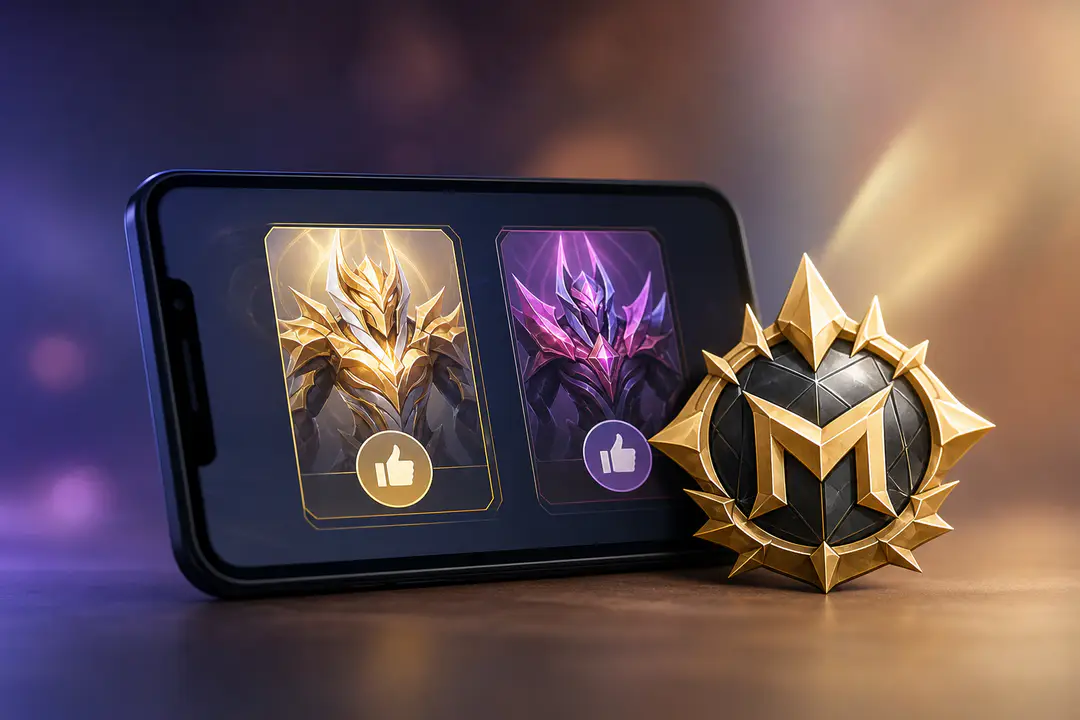
Start with the event carousel on the home screen, then open any banner tied to M-Series content, tournament rewards, or skin voting. The display can appear in several forms: a raw total, a percentage split, a rank order between heroes, or a progress-style bar with no hard numbers.
- Home screen event banners are the first place to check.
- The Events menu often contains a dedicated tab for esports or M-series voting.
- Some polls show percentages instead of vote totals.
- Some polls reveal only standings, such as first place and second place.
- Some events keep all counts hidden until voting ends.
If the poll is not visible in the main banner rotation, check whether your game client needs an update. Event tabs can fail to load correctly on older builds, especially when a limited-time campaign has just started.
How to check the M8 poll step by step
For most players, the fastest route is a short in-game sweep rather than repeated random tapping. The sequence below keeps you inside the places where voting data is most likely to appear.
Open the event hub
Launch Mobile Legends and stay on the lobby screen. Tap the Events icon and scroll through current promotions until you find the M8-related campaign, skin vote panel, or tournament feature page.
Enter the voting page
Once the M8 page opens, look for buttons labeled Vote, Support, Standings, Ranking, or Result. Developers do not always use the same label across events, so the vote count can sit behind a secondary button rather than the main splash art.
Check for totals, percentages, or rank order
Some voting pages show exact counts beside each candidate. Others show only a percentage bar or list the contenders from highest to lowest support. If numbers are absent, that does not mean the poll is broken. It often means the event uses a hidden-tally format.
- Open Mobile Legends.
- Tap Events from the main lobby.
- Find the M8 or M-Series skin poll banner.
- Open the vote page and inspect every sub-tab.
- Look for totals, percentages, ranks, or a countdown to results.
- Return later if the event page says results unlock after voting closes.
Vote events use the same temporary structure as other limited-time features such as Mobile Legends redeem codes: they appear for a limited period, move on the interface, and can disappear once the campaign window ends.
What you may see instead of exact votes
Players often search for vote numbers and assume there is a hidden menu they missed. In many game polls, the issue is simpler: the interface does not publish exact totals. The poll still works, but the public-facing display is limited.
| Display type | What it tells you | What it does not tell you |
|---|---|---|
| Exact vote count | The raw number for each option | Whether late votes will change the lead |
| Percentage | Relative share of support | The total number of votes cast |
| Ranking | Who is leading and trailing | The size of the gap between candidates |
| Hidden until close | Nothing during voting | Any live standing before the deadline |
The difference matters most when the event uses community engagement rather than a transparent ballot format. A percentage view gives useful direction, but it does not answer the exact question of how many votes a hero has. A ranking-only page is even more limited.
When players ask how to see votes in mobile legends m8 skin poll, they often mean one of three things: the exact tally, the current leader, or confirmation that their own vote went through. Those are separate checks, and the game may support only one or two of them during the event window.
- If you see a checkmark or selected hero icon, your vote was recorded.
- If you see a bar graph, the event is sharing relative support.
- If you see a leaderboard without numbers, only standings are public.
- If you see a countdown and no data, the results page opens later.
Why the vote total may be hidden
There are several legitimate reasons the M8 skin poll might not expose live totals. Event design is the biggest one. Some game polls keep live numbers hidden to prevent bandwagon voting, where players abandon their preference and simply follow the leader.
Regional rollout is another factor. Mobile Legends events do not always launch at the same moment for every server cluster, which can create confusion when screenshots from one region show a result format that another region has not received yet. A player may be looking at a placeholder page while another player already sees standings.
Technical issues also matter. Event banners occasionally fail to load after patch changes, account switching, or unstable connections. If the M8 page looks incomplete, do the following before assuming the poll is unavailable:
- Restart the game client.
- Check for an app update in your device store.
- Switch from mobile data to Wi-Fi, or the reverse.
- Clear temporary cache if your device offers that option.
- Reopen the Events menu after a few minutes.
If your account has other access problems, broader account-event issues can interfere with visibility as well. Players dealing with sanctions or account restrictions sometimes need separate account help, which is different from a missing poll page. In those cases, a guide on appealing a Mobile Legends ban is more relevant than further event troubleshooting.
How to tell if your vote counted
Seeing the total and confirming your own participation are not the same thing. Many event pages confirm your submission even when they do not show public numbers. Look for a disabled vote button, a selected candidate frame, a one-time reward claim, or a status note indicating you already voted.
A common pattern is this: the first tap registers your support, the button changes state, and the page stops offering another free vote until the next daily reset or until a separate token is used. In that case, the confirmation on the interface is the only proof you get before final results appear.
Signs your vote was recorded
The event page usually leaves a visible status change. It is subtle, but it is there.
- The Vote button turns gray or becomes unavailable.
- Your chosen hero or skin candidate stays highlighted.
- The page shows a short confirmation prompt after submission.
- A mission or event task tied to voting marks as completed.
Signs you have not completed the process
Players sometimes back out of the page too early or miss a final confirmation tap. If the event still looks unchanged, check again.
You likely have not finished the vote if the button is still active, there is no selected candidate shown, or the event requires a token you have not collected yet. Some polls also lock participation behind simple missions, such as logging in, watching esports content, or visiting the event page on multiple days.
What to do if the M8 poll is missing
When the event is active but not appearing on your account, treat it like a visibility problem first, not a voting problem. The fix is often tied to timing or interface location.
Run through a short check in order:
- Confirm the event period is active.
- Inspect the full Events list rather than the rotating front banner alone.
- Update the game.
- Log out and back in if you use multiple accounts on the same device.
Mobile Legends rotates a huge number of temporary features across heroes, skins, and esports campaigns. If you want context for the roster these skin polls draw from, a current list of Mobile Legends total heroes helps explain which candidates are likely to show up in future fan votes.
If none of those checks restore the page, the event may not be available on your server yet, or it may have ended. At that stage, waiting for the official result screen inside the client is often more productive than chasing screenshots from social posts or chat groups.
Reading the poll without overreading it
Even when vote data is visible, players can misread what the screen means. A hero sitting at 52% in an early percentage display is ahead, but that does not reveal turnout volume. A leaderboard with no numbers only confirms order, not margin. A single screenshot tells you nothing about later swings if the poll remains open for several days.
The cleanest way to read the M8 skin poll is to separate four questions: Is the event live, did my vote register, is there a visible public standing, and has the final winner been announced? Once you break it down that way, the interface is less confusing. The game may answer only two of those questions during the active vote period.
The safest assumption is simple: if the page does not show exact numbers, they are not publicly available to players at that moment. There is no alternate hidden counter inside normal account menus that reveals them.
FAQs
Can you see exact vote numbers in the Mobile Legends M8 skin poll?
Only if the event page shows them. Some Mobile Legends polls display exact totals, while others show percentages, rankings, or only the final winner.
Where do I find the M8 skin poll in Mobile Legends?
Check the in-game Events menu first, then look for M-Series, esports, or skin-vote banners. The poll is usually tied to a temporary event page rather than the Shop or hero screen.
Why can I not see any votes even though the poll is live?
The event may be using a hidden-tally format. It can also be a regional rollout issue, an outdated client, or a page-loading problem inside the Events hub.
How do I know if my vote went through?
Look for a changed button state, a highlighted choice, or a completed event task tied to voting. Those signals matter more than a public tally if the poll does not show totals.
Can I see votes outside the game client?
The reliable place to check is the official in-game event page. Third-party screenshots can show partial or outdated standings and often miss server-specific differences.
Does ranking mean the same thing as vote total?
No. Ranking only tells you who is ahead. It does not tell you the exact number of votes or the size of the lead unless the event page also publishes totals or percentages.
The Bottom Line
To see votes in the Mobile Legends M8 skin poll, start in the Events hub and check whether the page shows totals, percentages, rankings, or only a locked result screen. If the event does not publish live numbers, players cannot reveal them from another hidden menu; the next meaningful update is the official result page when the voting window closes.